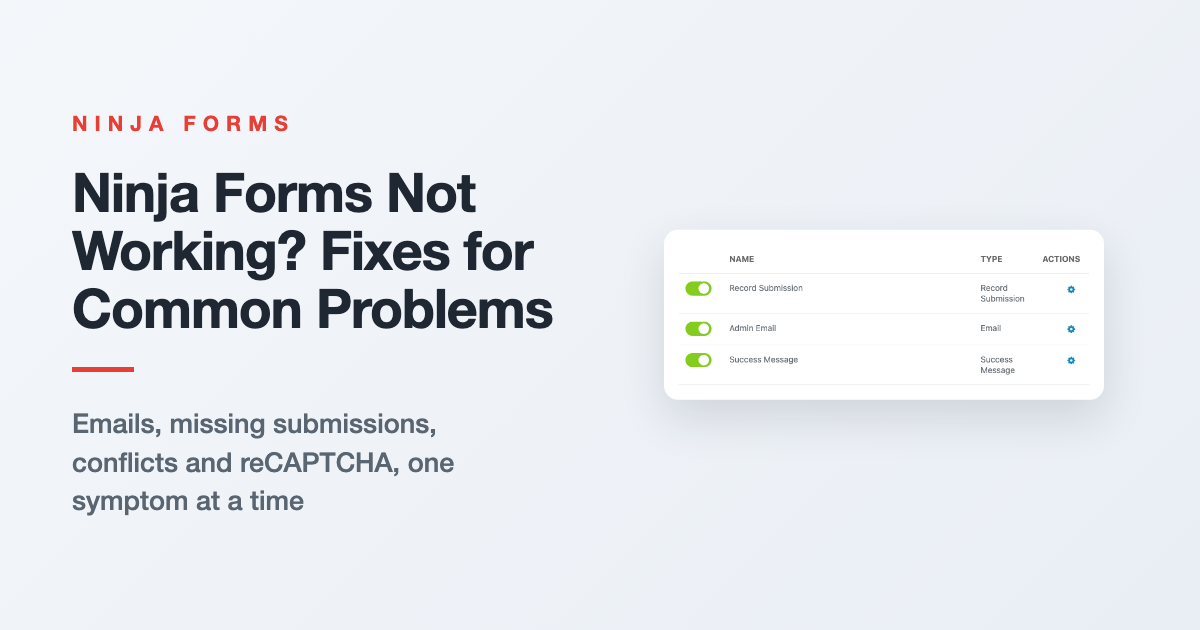
Troubleshooting Ninja Forms: Fixes for Common Problems
Form emails stopped, Submissions page empty, or the form won’t show up? Start with three quick checks, then jump to your symptom for the fix and where to go next.
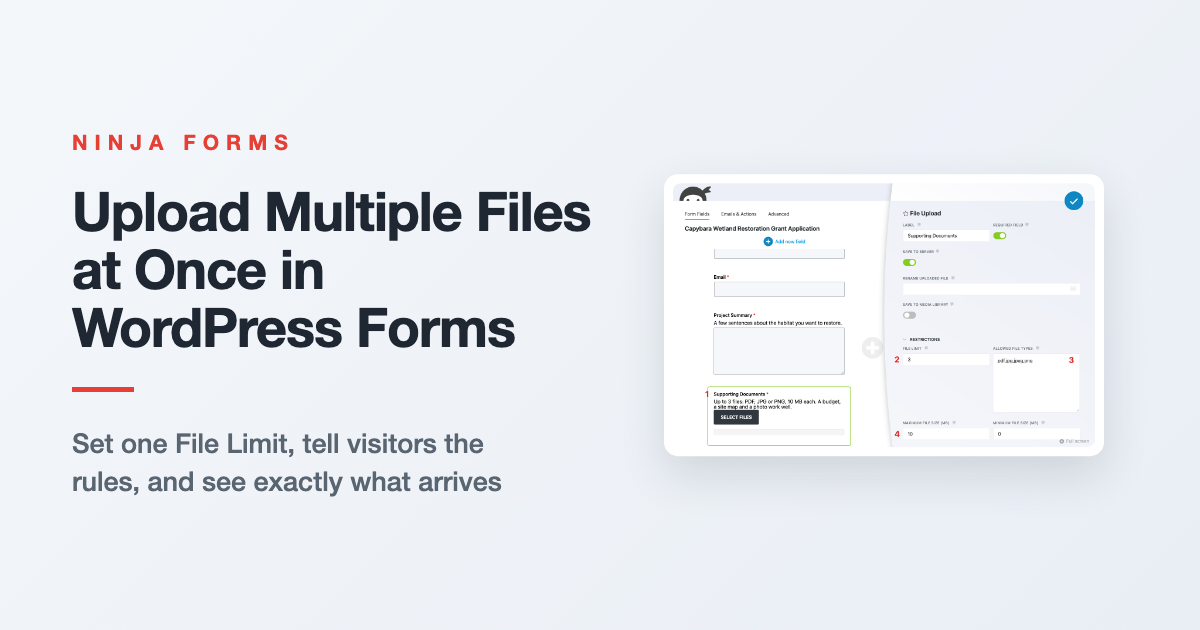
How to Upload Multiple Files at Once in WordPress
Let visitors send a budget, a site map and a photo in one submission. Here’s how File Limit, file size and file type settings work together, what visitors see, and where the files end up.
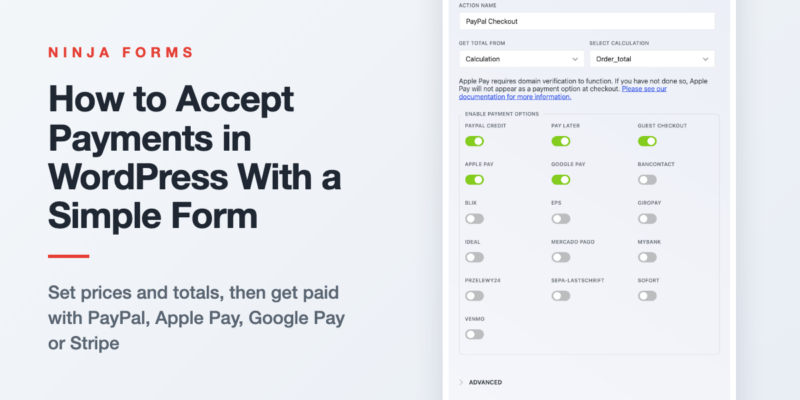
How to Easily Accept Payments in WordPress
You don’t need a store to take money on your site. Set a price, offer variations or quantities, add it all up into one total, and connect PayPal (with Apple Pay and Google Pay), Stripe or…

Automating WordPress GDPR Export and Delete Requests
Someone asked for a copy of their data, or asked you to delete it. Here’s how two free form templates send those requests into WordPress’s own privacy tools, and how to auto delete old form entries…
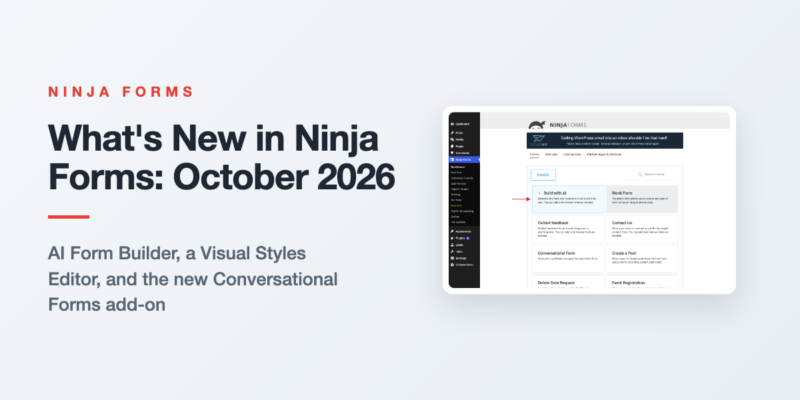
What’s New in Ninja Forms: October 2026
Three features shipped in Ninja Forms between August and September 2026. Here is what each one does, the release it arrived in, and what it needs.
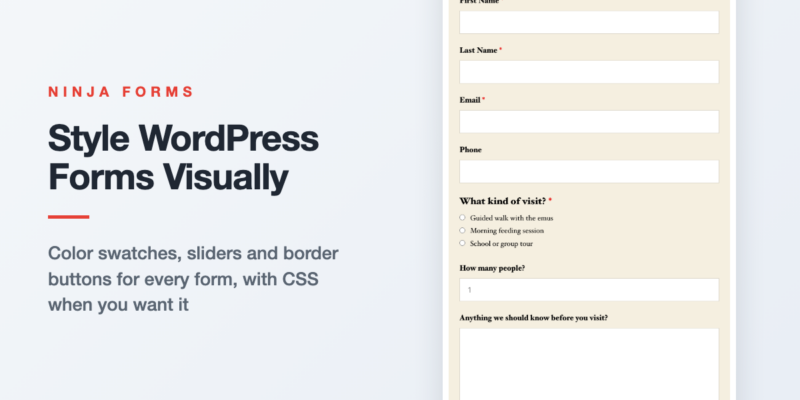
Style Your WordPress Forms Visually with the Visual Styles Editor
Your form shouldn’t look like it wandered in from another website. Here’s how to give one form, one field, or every form on your site a look of its own with color swatches, sliders and border…
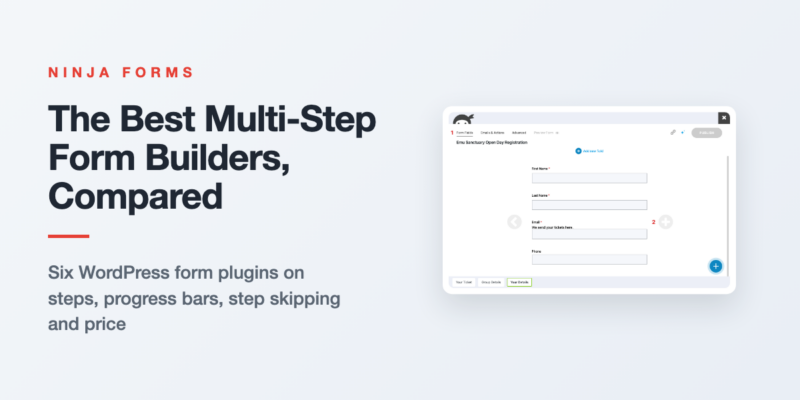
The Best Multi-Step Form Builders for WordPress, Compared
Every popular WordPress form plugin does multi-step, and every one of them charges for it. Here’s what each builder gives you for the money, and which one fits your form.
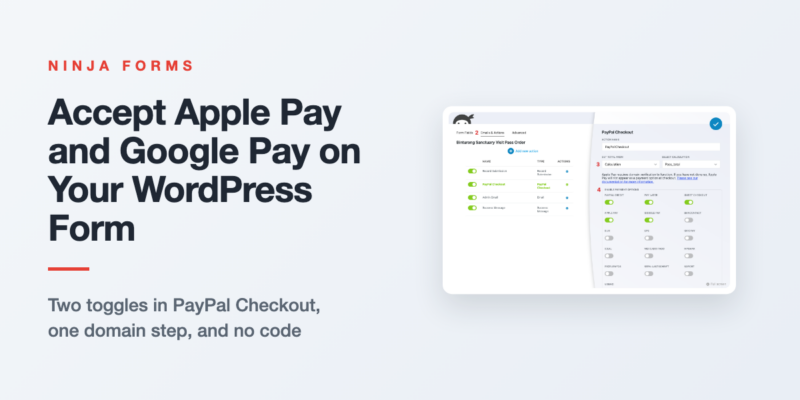
How to Accept Apple Pay and Google Pay in WordPress Forms
Phone visitors shouldn’t have to type a card number to pay you. Switch on Apple Pay and Google Pay in your form’s PayPal Checkout action, register your domain for Apple Pay, and test it on a…
Form Building Tips & Tricks (72)
You’d be surprised what you can do (and the money you can save) with a simple WordPress form
Styling Your Forms (31)
Use custom styles on your forms for the exact look you want to optimize the user’s experience.
Displaying Your Forms (16)
Place a form or form submissions anywhere on your WordPress website without touching a line of code!
Conditional Emails & Actions (10)
Tailor any form to fit a variety needs using conditional settings and data triggered actions.
Stopping Spam (6)
Stop form spam now! Take control of your submissions and block the spam for good.
GDPR Compliance (3)
Keep your forms GDPR compliant, & use your forms to facilitate Export &Erase requests
All Articles

How to Use Ninja Forms for Market Research
One of the best ways to become a better marketer and make more sales is to get to know your customers. After all, there is plenty of data that tells us that personalization is a primary…

How to Populate Long List Fields in Ninja Forms
We use list fields all the time, but what would you do if you had 100 items to add? I wouldn’t want to add them one by one, and I’m sure you prefer not to either….

How to Give Away Free Ebook Using Your WordPress Form
The Atomic Habits’ author, James Clear, has built his email list for 6 years before he released the book. By the time he published the book, he had almost half a million people to tell about…

Integrate monday.com with WordPress in 3 Steps
Here’s how to send any new WordPress form submission into monday.com!

How to Create a WordPress Payment Form with Calculations
You CAN accept payments from your WordPress website without spending a fortune or working for days to make it happen. Want to offer multiple products or service options from your WordPress website? Accept payment for an…

How to Create a Mailjet Subscribe Form in WordPress
Struggling to connect WordPress with Mailjet? Learn to easily create a Mailjet subscribe form in WordPress right here! [click_to_tweet tweet=”Learn to easily create a Mailjet subscribe form in WordPress right here! ” quote=”Learn to easily create a Mailjet subscribe…

Want to Add Custom CSS to WordPress Forms? (a Beginner’s Guide)
CSS can be tricky, but with a little practice and a few tips and tricks, you can make big adjustments to the way your forms look! Found the perfect theme for your website, but it leaves…

How to Setup Lead Scoring with WordPress
Prioritizing leads based on their potential value to your company is a no-brainer. There are always going to be high quality leads that you want your sales team to act on asap. Problem is, trying to setup…

How to Create Temporary Login Credentials for WordPress Support
Need a developer or support team on your site to troubleshoot or tweak? Granting access can be done quickly, easily, and safely. [click_to_tweet tweet=”Need advanced support or development done on your site? Learn to create temporary…

How to Connect WordPress to Asana
Struggling to find a good way to send data from WordPress to Asana? Your search may be over! [clickToTweet tweet=”Struggling to find a good way to send data from WordPress into Asana? Your search may be…

How to Integrate SharpSpring with WordPress
Struggling to find a good way to connect SharpSpring with WordPress? SharpSpring (NASDAQ: SHSP) is a leading cloud-based marketing automation provider with a digital marketing agency focus. Their marketing automation service is one of the best tools available…

A Quick Start Guide to WordPress User Roles
Every WordPress website owner has to learn to set WordPress User Roles and Permissions sooner or later. Building out your first WordPress website from scratch and need to set your partner up as an admin? Give…