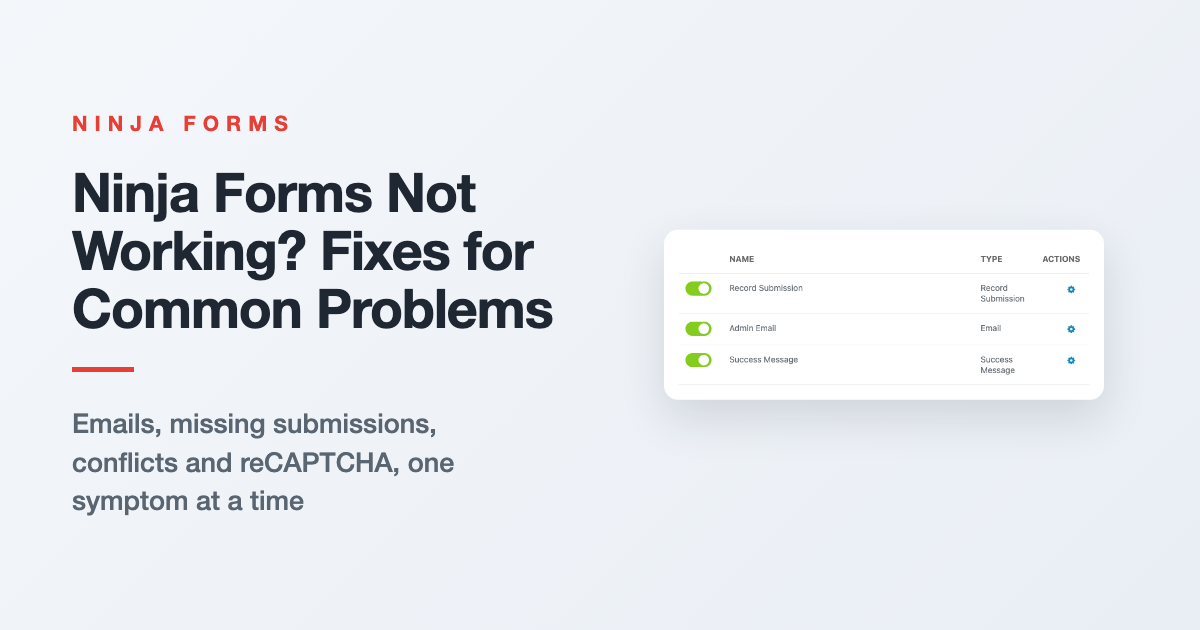
Troubleshooting Ninja Forms: Fixes for Common Problems
Form emails stopped, Submissions page empty, or the form won’t show up? Start with three quick checks, then jump to your symptom for the fix and where to go next.
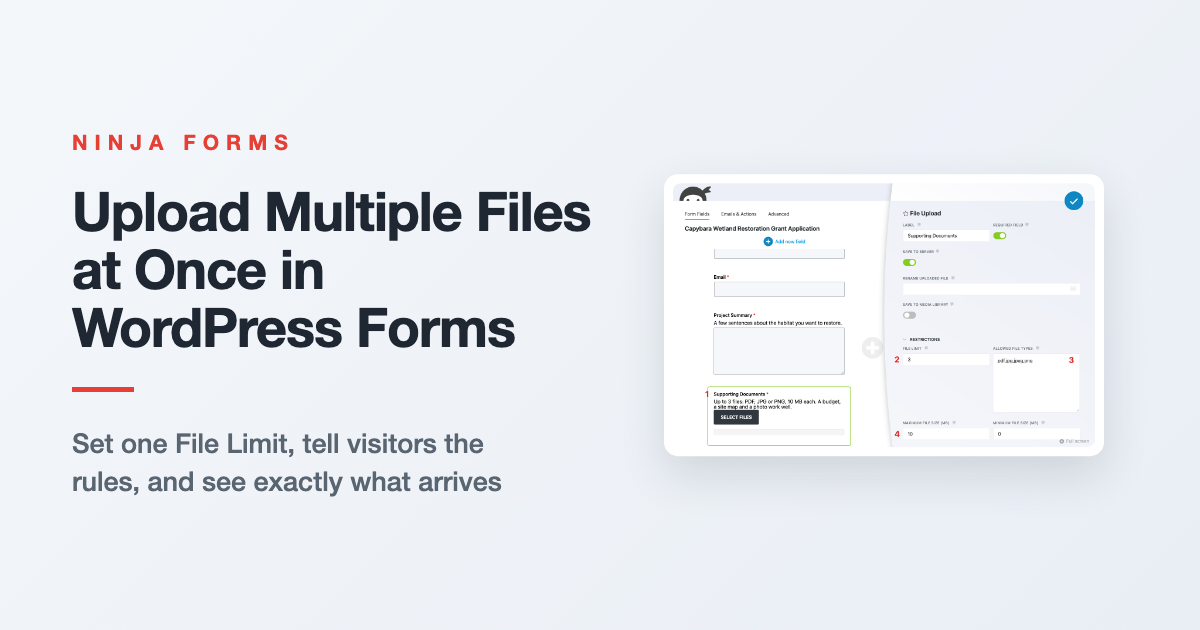
How to Upload Multiple Files at Once in WordPress
Let visitors send a budget, a site map and a photo in one submission. Here’s how File Limit, file size and file type settings work together, what visitors see, and where the files end up.
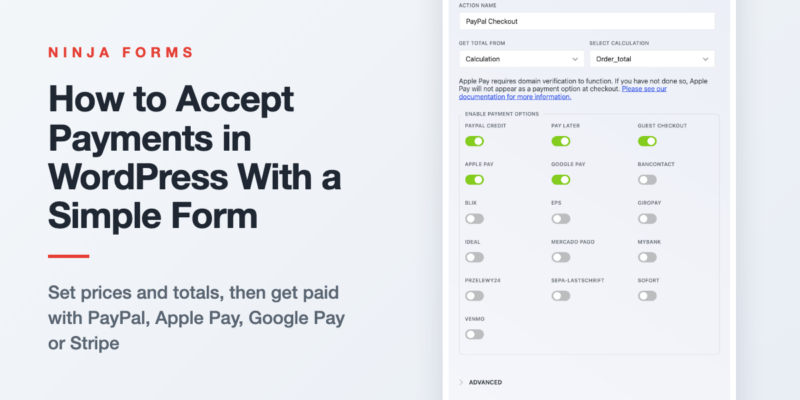
How to Easily Accept Payments in WordPress
You don’t need a store to take money on your site. Set a price, offer variations or quantities, add it all up into one total, and connect PayPal (with Apple Pay and Google Pay), Stripe or…

Automating WordPress GDPR Export and Delete Requests
Someone asked for a copy of their data, or asked you to delete it. Here’s how two free form templates send those requests into WordPress’s own privacy tools, and how to auto delete old form entries…
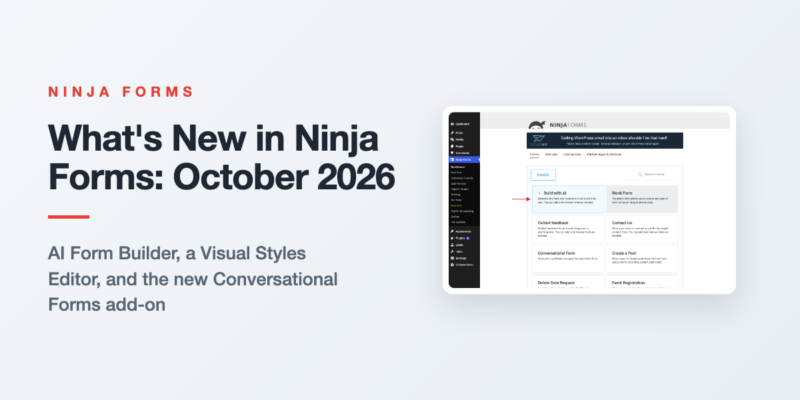
What’s New in Ninja Forms: October 2026
Three features shipped in Ninja Forms between August and September 2026. Here is what each one does, the release it arrived in, and what it needs.
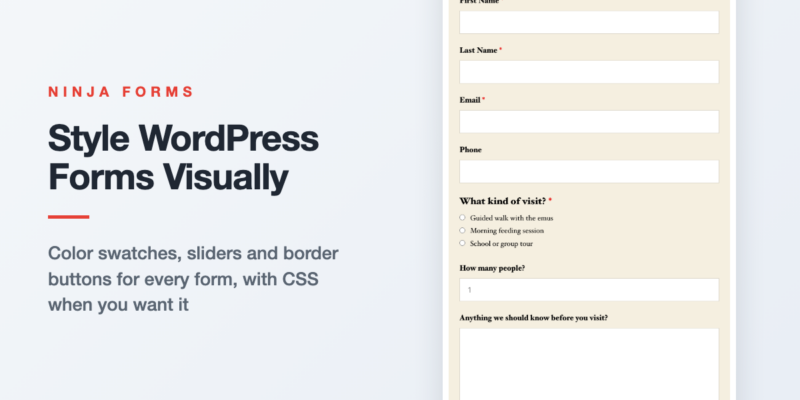
Style Your WordPress Forms Visually with the Visual Styles Editor
Your form shouldn’t look like it wandered in from another website. Here’s how to give one form, one field, or every form on your site a look of its own with color swatches, sliders and border…
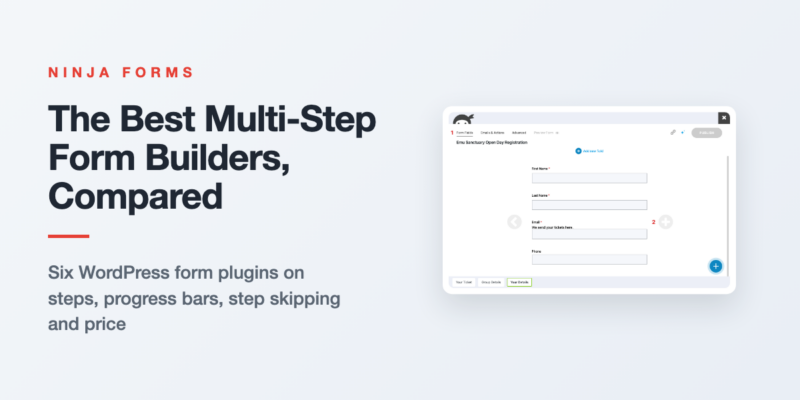
The Best Multi-Step Form Builders for WordPress, Compared
Every popular WordPress form plugin does multi-step, and every one of them charges for it. Here’s what each builder gives you for the money, and which one fits your form.

How to Accept Apple Pay and Google Pay in WordPress Forms
Phone visitors shouldn’t have to type a card number to pay you. Switch on Apple Pay and Google Pay in your form’s PayPal Checkout action, register your domain for Apple Pay, and test it on a…
Form Building Tips & Tricks (72)
You’d be surprised what you can do (and the money you can save) with a simple WordPress form
Styling Your Forms (31)
Use custom styles on your forms for the exact look you want to optimize the user’s experience.
Displaying Your Forms (16)
Place a form or form submissions anywhere on your WordPress website without touching a line of code!
Conditional Emails & Actions (10)
Tailor any form to fit a variety needs using conditional settings and data triggered actions.
Stopping Spam (6)
Stop form spam now! Take control of your submissions and block the spam for good.
GDPR Compliance (3)
Keep your forms GDPR compliant, & use your forms to facilitate Export &Erase requests
All Articles

How to Customize WordPress Forms (Font Styling)
Are you looking to easily change the font size in your WordPress form? Maybe you are wondering if there is an easy way to change the font family or font color on your form. Luckily, you…

Quickly Style Your WordPress Forms Checkbox and Radio Fields with One Line of Code
Are you on the eternal quest of CSS customization trying to find an easy way to customize the background of your WordPress forms checkbox or radio fields? Perhaps, you’ve attempted to adjust the background, by adding…

Integrate WordPress Forms with HubSpot CRM
If you have been looking for WordPress HubSpot integration, we have you covered with the HubSpot CRM add-on. Sure, you can use the official WordPress HubSpot plugin to connect but you might think it twice. Why?…

How to Build Custom WordPress Forms with Beaver Builder
Beaver Builder is a page-building WordPress plugin that offers you the tools to create beautiful web pages for any WordPress theme. You can even create a basic contact, login, and subscribe form but that’s it. Our…

Create a Simple Order Form Email Receipt in WordPress
Are you looking for a simple solution to send a simple order form email receipt from your WordPress form? When you are working on your form, you don’t want to waste time sending separate email receipts…

Allow Gated Content in Your WordPress Form
Do you want to allow gated content on your WordPress form page? If you are looking to offer a lead magnet to your visitors once they fill out the form, you don’t need any integration! In…

Save Progress on WordPress Forms
If you have long forms or multi-step forms on your WordPress website, you might experience your forms being completed less often. It is a common reality, as we live in hectic times and your visitors don’t…

Learn How To Create Slack Notifications From WordPress Form Submissions
If you’re like me, you don’t have time or the bandwidth to religiously check your email for WordPress form submission notifications. Nor should you. Email can even be unreliable, inconvenient, and even time-consuming. Those who have…

Learn How To Create Trello Cards Using WordPress Form Submissions
Have you been looking for that “one” WordPress solution that offers you a fast and simple way to connect your Trello Cards using WordPress? Perhaps, you’ve scoured the wordpress.org repository only to find plugin solutions with…

What is a Hidden Field in WordPress Forms? (Practical Examples)
Have you ever wanted to collect data from your form fields but keep these fields hidden from your visitors? What you need is a field called a hidden field in your WordPress form. Not visible to…

12 Powerful Merge Tag Examples For Your WordPress Form Submissions
If you routinely receive WordPress form submissions that you can’t identify or need a fast way to personalize email notifications, merge tags are for you! Use merge tags to retrieve data from different sources within WordPress…

How to Connect WooCommerce to Ninja Forms
WooCommerce is the perfect e-commerce solution for any WordPress user, powering 99% of all WordPress stores. You probably came here because you are looking for a way to connect WooCommerce to your existing WordPress form to…