Troubleshooting Ninja Forms: Fixes for Common Problems
Form emails stopped, Submissions page empty, or the form won’t show up? Start with three quick checks, then jump to your symptom for the fix and where to go next.
You’d be surprised what you can do (and the money you can save) with a simple WordPress form
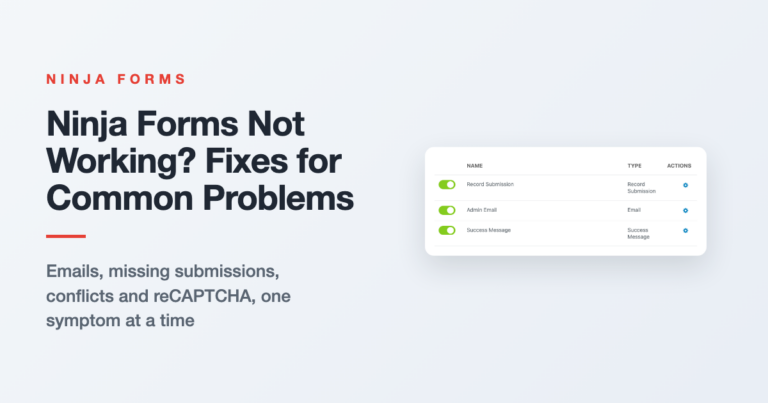
Form emails stopped, Submissions page empty, or the form won’t show up? Start with three quick checks, then jump to your symptom for the fix and where to go next.
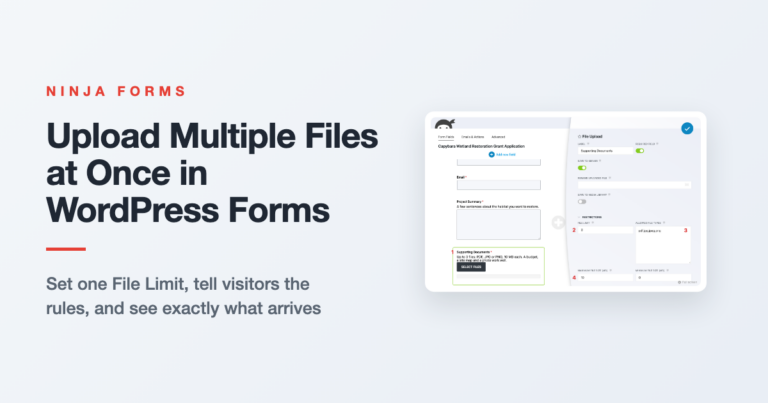
Let visitors send a budget, a site map and a photo in one submission. Here’s how File Limit, file size and file type settings work together, what visitors see, and where the files end up.
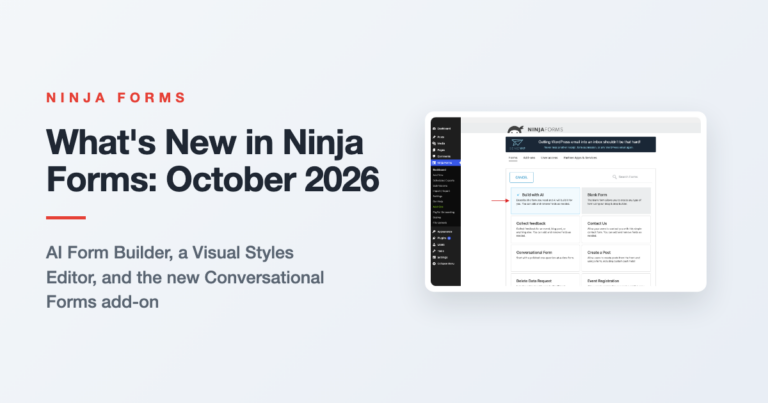
Three features shipped in Ninja Forms between August and September 2026. Here is what each one does, the release it arrived in, and what it needs.
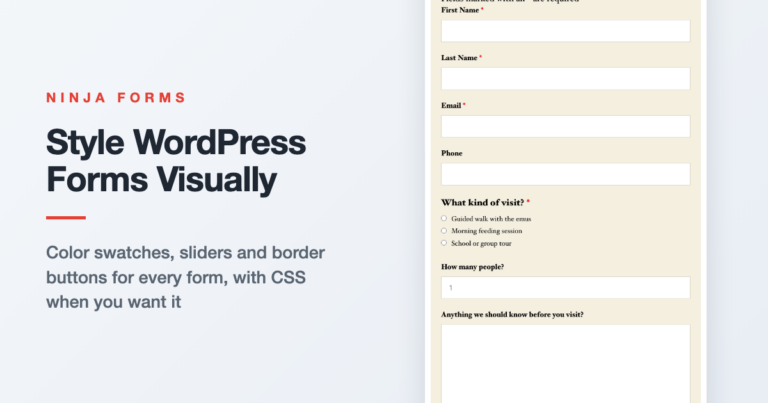
Your form shouldn’t look like it wandered in from another website. Here’s how to give one form, one field, or every form on your site a look of its own with color swatches, sliders and border buttons, and where CSS mode fits in.
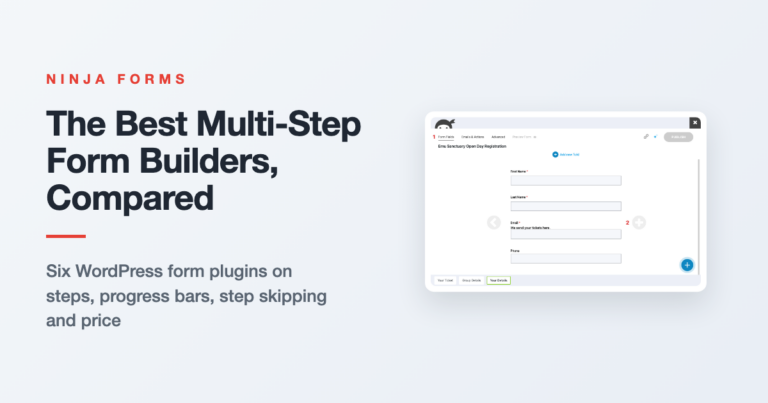
Every popular WordPress form plugin does multi-step, and every one of them charges for it. Here’s what each builder gives you for the money, and which one fits your form.
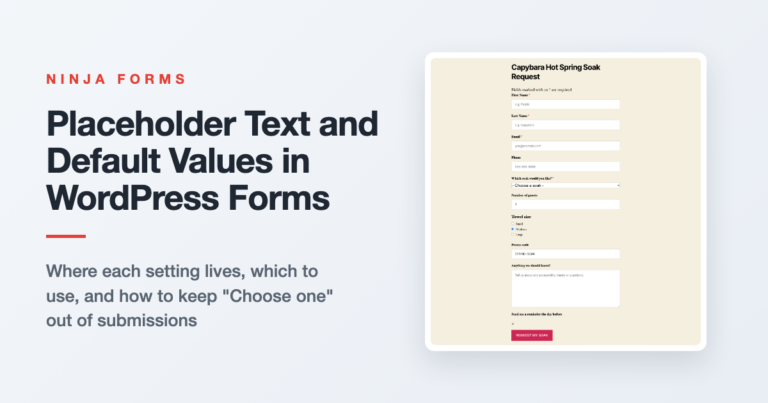
Where placeholder text and default values live in Ninja Forms for every common field type, which one to use when, and the dropdown trick that keeps “Choose one” out of your submissions.
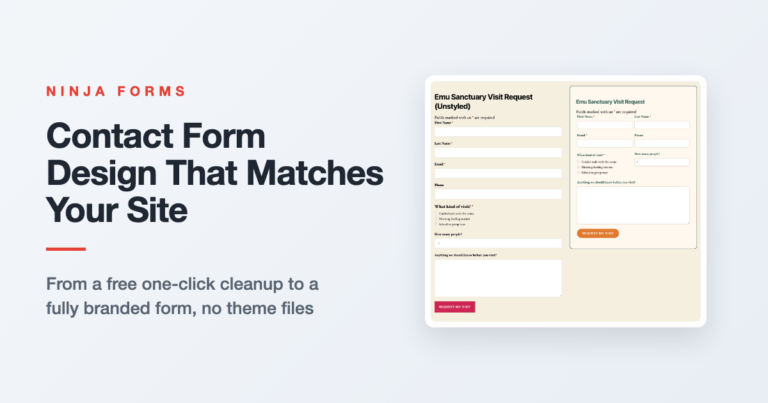
Your form works, but it looks like it came from somebody else’s website. Here’s how to style it in WordPress, from a free one-click cleanup to a fully branded form with fields side by side.
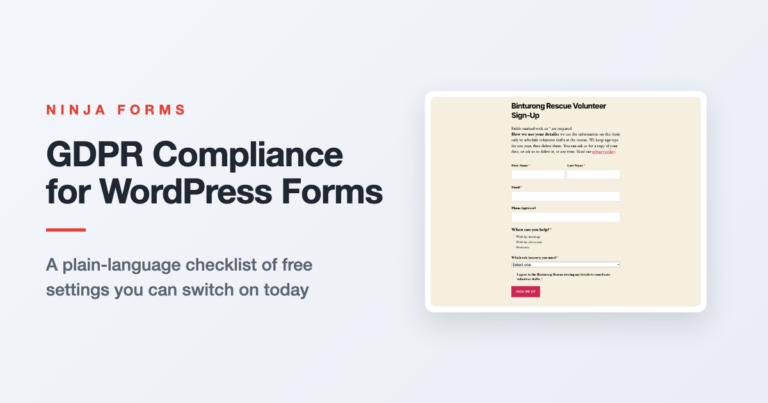
Not sure what GDPR asks of your WordPress forms? Here’s a short checklist covering the notice, the consent box, what to store, how long to keep it, and what to do when someone asks for their data.
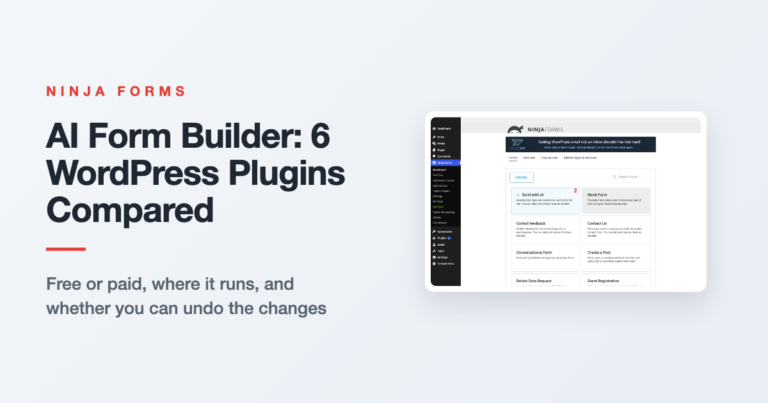
Every form plugin says AI now. We compared six on the four things that matter: free or paid, where the AI runs, whether you can refine in conversation, and whether you can undo.
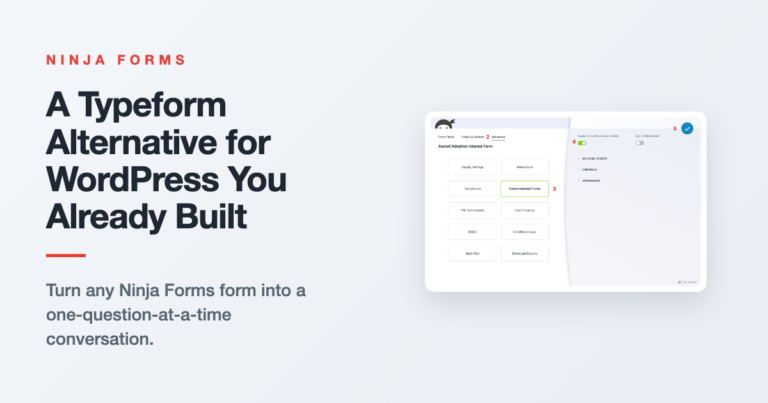
Get the one-question-at-a-time feel on a WordPress form you already built, without a second tool or a rebuild.
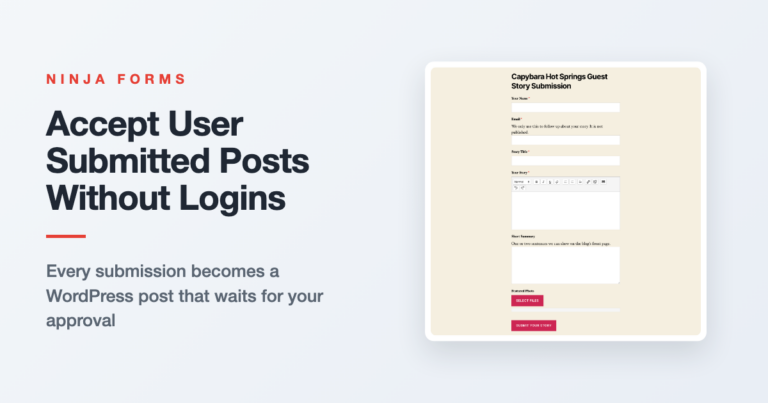
Let readers and guest writers send in posts through a form. Each submission becomes a WordPress post that waits for your approval, with no logins handed out.
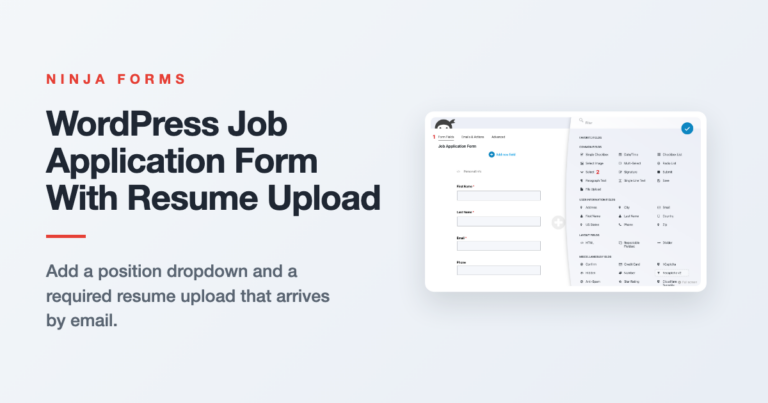
Start from the free Job Application template, then add a position dropdown and a required resume upload that arrives attached to every application email.
The end. Would you like to play a game?
The end. Would you like to play a game?