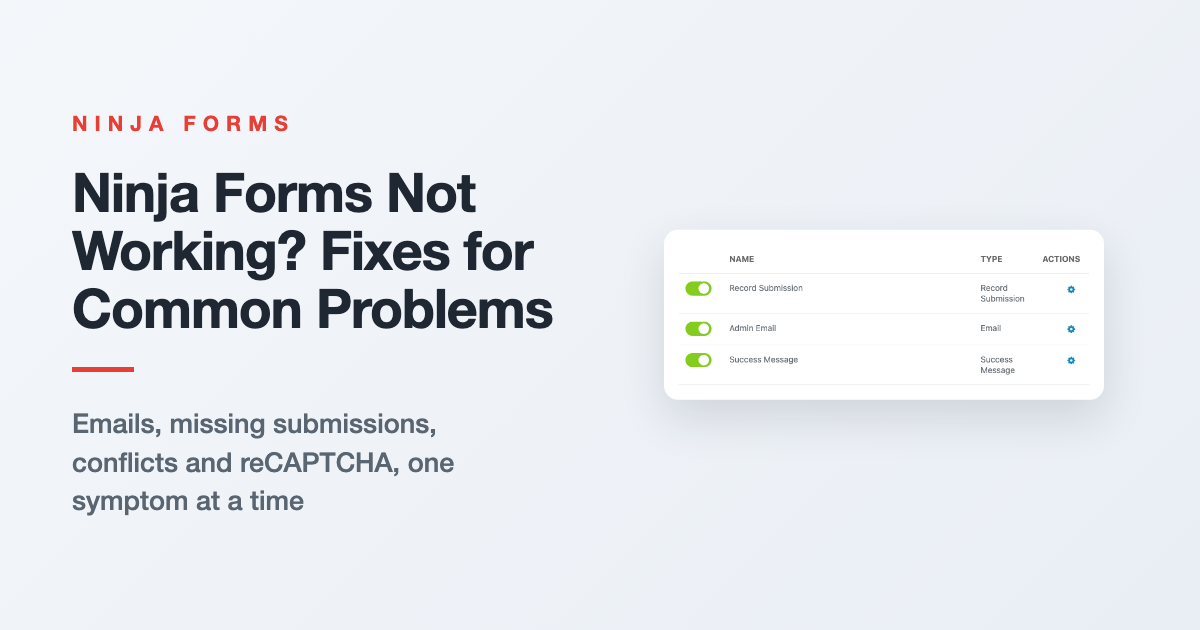
Troubleshooting Ninja Forms: Fixes for Common Problems
Form emails stopped, Submissions page empty, or the form won’t show up? Start with three quick checks, then jump to your symptom for the fix and where to go next.
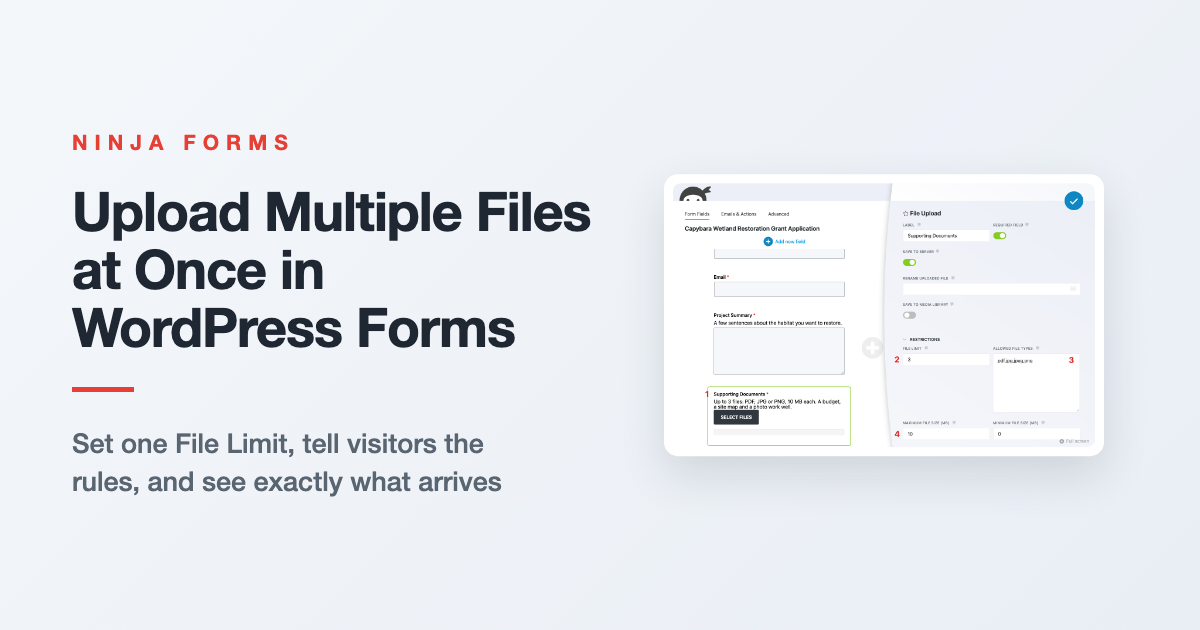
How to Upload Multiple Files at Once in WordPress
Let visitors send a budget, a site map and a photo in one submission. Here’s how File Limit, file size and file type settings work together, what visitors see, and where the files end up.
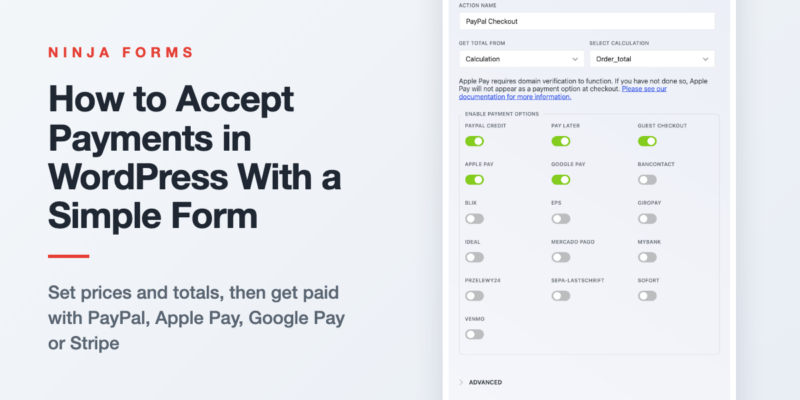
How to Easily Accept Payments in WordPress
You don’t need a store to take money on your site. Set a price, offer variations or quantities, add it all up into one total, and connect PayPal (with Apple Pay and Google Pay), Stripe or…
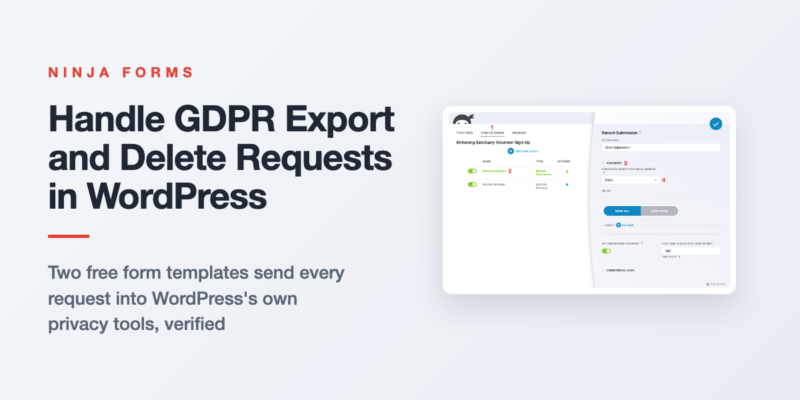
Automating WordPress GDPR Export and Delete Requests
Someone asked for a copy of their data, or asked you to delete it. Here’s how two free form templates send those requests into WordPress’s own privacy tools, and how to auto delete old form entries…
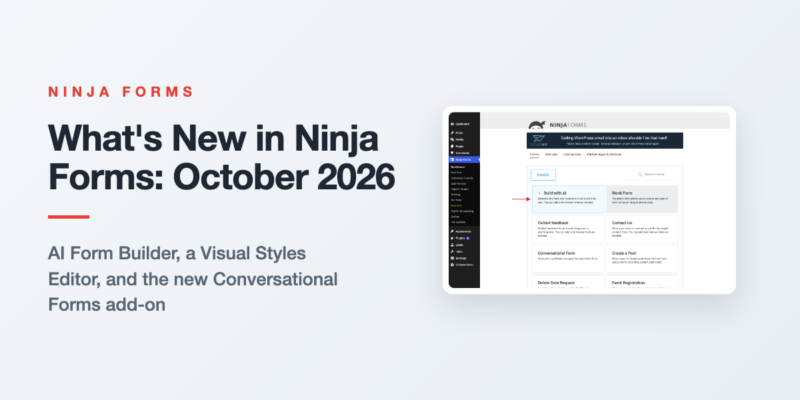
What’s New in Ninja Forms: October 2026
Three features shipped in Ninja Forms between August and September 2026. Here is what each one does, the release it arrived in, and what it needs.
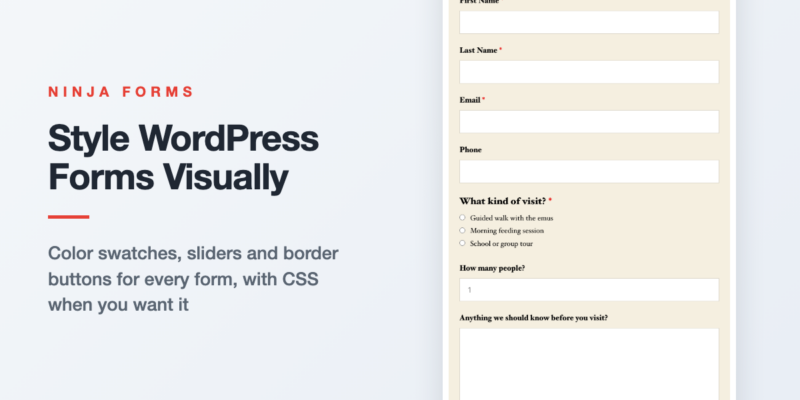
Style Your WordPress Forms Visually with the Visual Styles Editor
Your form shouldn’t look like it wandered in from another website. Here’s how to give one form, one field, or every form on your site a look of its own with color swatches, sliders and border…
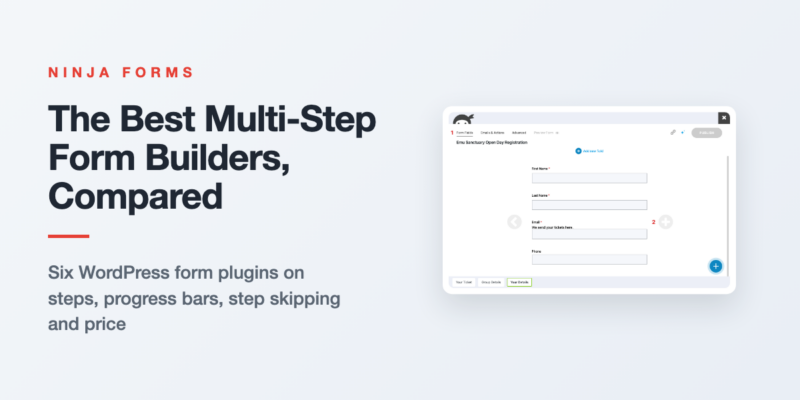
The Best Multi-Step Form Builders for WordPress, Compared
Every popular WordPress form plugin does multi-step, and every one of them charges for it. Here’s what each builder gives you for the money, and which one fits your form.
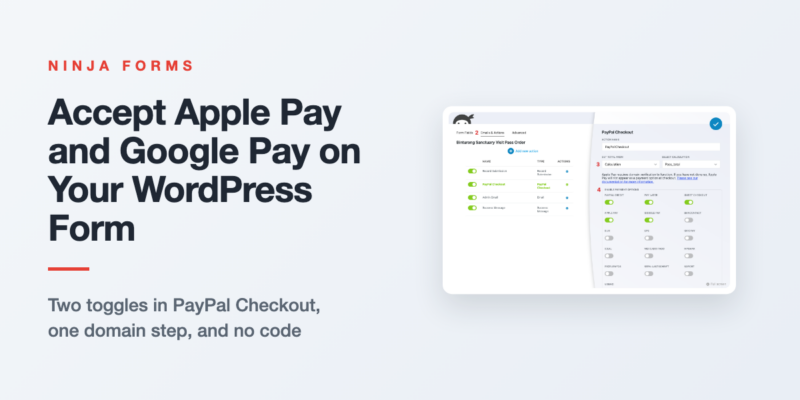
How to Accept Apple Pay and Google Pay in WordPress Forms
Phone visitors shouldn’t have to type a card number to pay you. Switch on Apple Pay and Google Pay in your form’s PayPal Checkout action, register your domain for Apple Pay, and test it on a…
Form Building Tips & Tricks (72)
You’d be surprised what you can do (and the money you can save) with a simple WordPress form
Styling Your Forms (31)
Use custom styles on your forms for the exact look you want to optimize the user’s experience.
Displaying Your Forms (16)
Place a form or form submissions anywhere on your WordPress website without touching a line of code!
Conditional Emails & Actions (10)
Tailor any form to fit a variety needs using conditional settings and data triggered actions.
Stopping Spam (6)
Stop form spam now! Take control of your submissions and block the spam for good.
GDPR Compliance (3)
Keep your forms GDPR compliant, & use your forms to facilitate Export &Erase requests
All Articles

How to Create an Invoice in WordPress with InvoiceBerry
Professional invoicing doesn’t have to be time-consuming! In just 3 steps, learn how to create an invoice in WordPress with InvoiceBerry!

Our Favorite Ninja Forms Tutorials for Styling Your WordPress Forms
Elevate your WordPress forms with our Ninja Forms Styling Tutorials – customize, boost click-through rates, and enhance your brand.

Master Coupon Codes in WordPress Forms with These Simple Steps
Offering coupon codes in WordPress doesn’t require complicated ecommerce plugins. Here’s how to make it happen easily from any WordPress form!

Add Style to Previous and Next Buttons on your WordPress Form
Boost your WordPress user experience by adding style to Previous and Next buttons! Discover how to effortlessly customize multi-step forms.

How to Display Form Submissions in WordPress (Front-End)
Looking for a way to display form submissions in WordPress on the front end of your site? Head over to our blog post for a quick solution!

How to Resend an Email Notification in WordPress
Want to learn how to resend email notifications in WordPress? Ninja Forms lets you do that for free in a matter of seconds. Check our tutorial!

WordPress Admin Logs: The What and Why
Discover the power of WordPress Admin Logs! Learn how to maintain a high-quality website with insights on security, marketing, and troubleshooting. Install an admin log plugin today!

Boost Campaign Engagement: Send Custom Data to Mailchimp Without Extra User Input
Send custom data to Mailchimp without asking users to fill out more fields! Easily capture referring URLs and more for any form!

How to Easily Pass Data Between WordPress Forms
Pass data between WordPress forms to save users time and increase your leads! Boost your form conversion numbers in the process!

How to Style Repeater Fields in WordPress
Discover how to style repeater fields in WordPress with Ninja Forms’ Layout and Styles add-on. Turn basic fields into eye-catching designs effortlessly.

How to Block Unwanted Emails in WordPress
Annoyed by unwanted submissions? Learn how to block unwanted emails in WordPress with Ninja Forms using the Conditional Logic add-on!

How to Create Multi-Column Layouts with the Repeatable Fieldset
Learn how easy it is to create multi-column layouts using custom classes for Ninja Forms Repeatable Fieldset