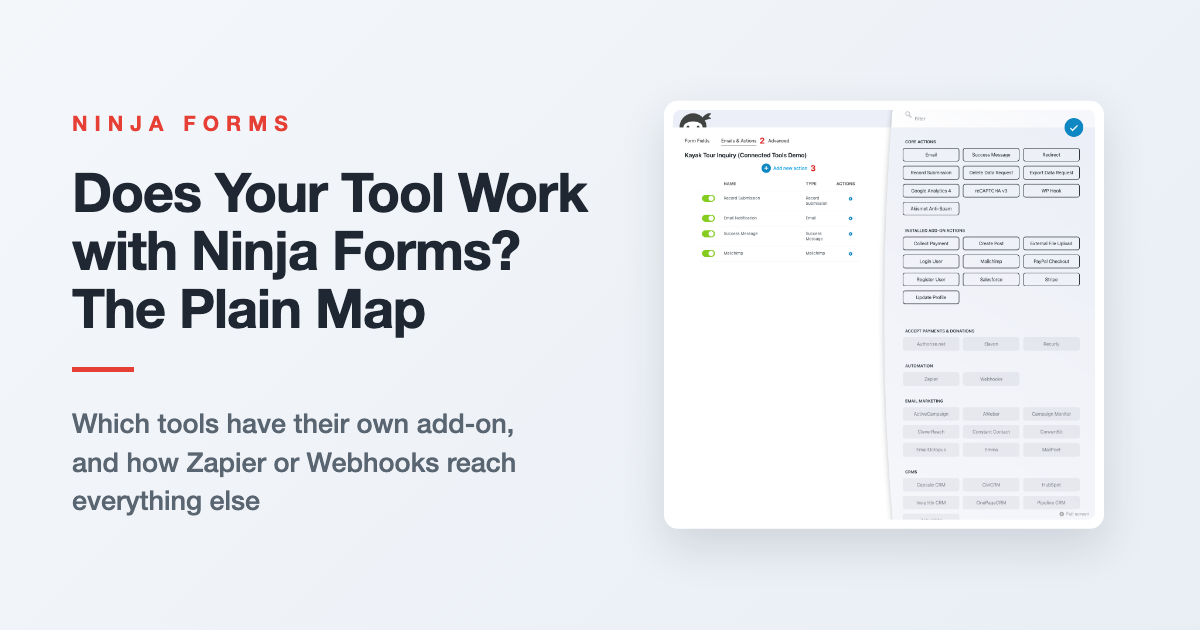
Ninja Forms Integrations: Which Tools Connect and How
Wondering whether your CRM, email tool, or ad platform works with your forms? Here’s the plain map of what has its own add-on, what goes through Zapier or Webhooks, and how to connect each one.
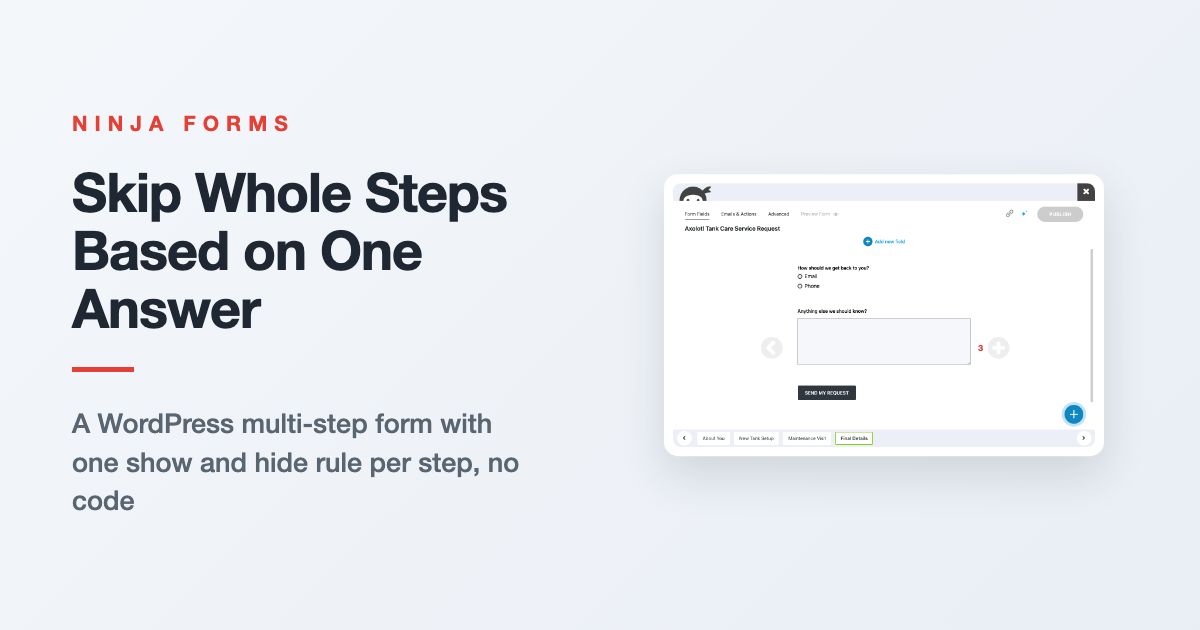
How to Build a WordPress Multi-Step Form With Conditional Fields
Stop making every visitor click through every page. Split your form into steps, then let one answer decide which steps each person sees, with a single show and hide rule per step.
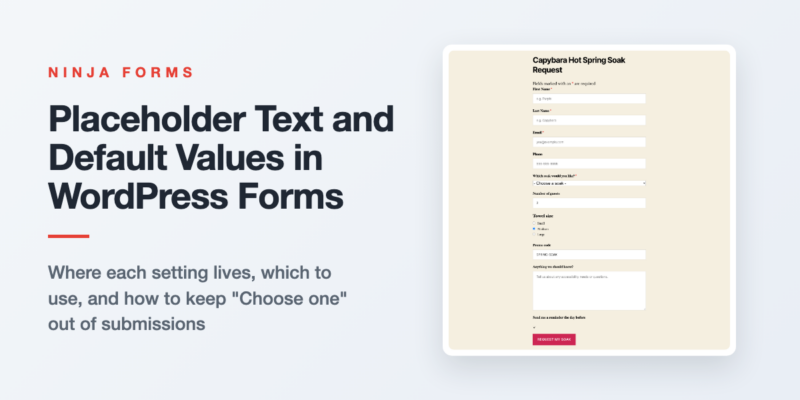
How to Add Placeholder Text and Default Values to WordPress Forms
Where placeholder text and default values live in Ninja Forms for every common field type, which one to use when, and the dropdown trick that keeps “Choose one” out of your submissions.

How to Connect Mailchimp to WordPress With a Signup Form That Matches Your Site
Skip Mailchimp’s embed code. Build a Mailchimp signup form in WordPress that matches your site, adds an opt-in checkbox to any form, and sends every subscriber to the right audience.
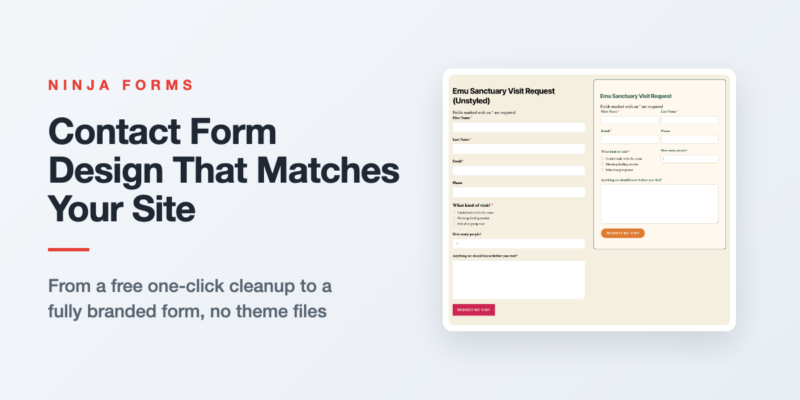
Contact Form Design: How to Style Your WordPress Forms
Your form works, but it looks like it came from somebody else’s website. Here’s how to style it in WordPress, from a free one-click cleanup to a fully branded form with fields side by side.
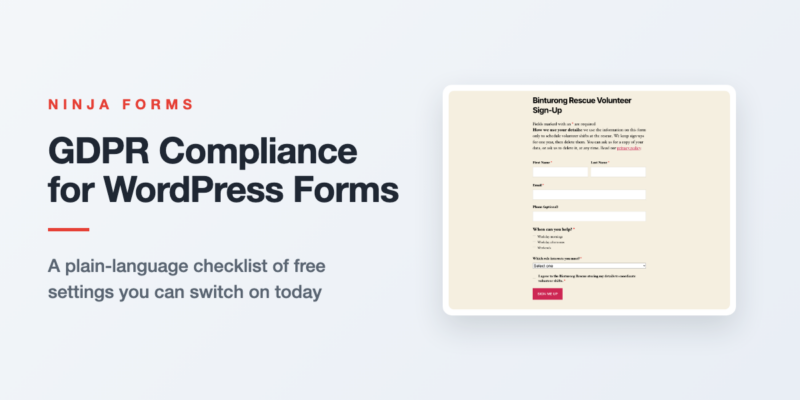
GDPR Compliance for WordPress Forms: A Practical Checklist
Not sure what GDPR asks of your WordPress forms? Here’s a short checklist covering the notice, the consent box, what to store, how long to keep it, and what to do when someone asks for their…
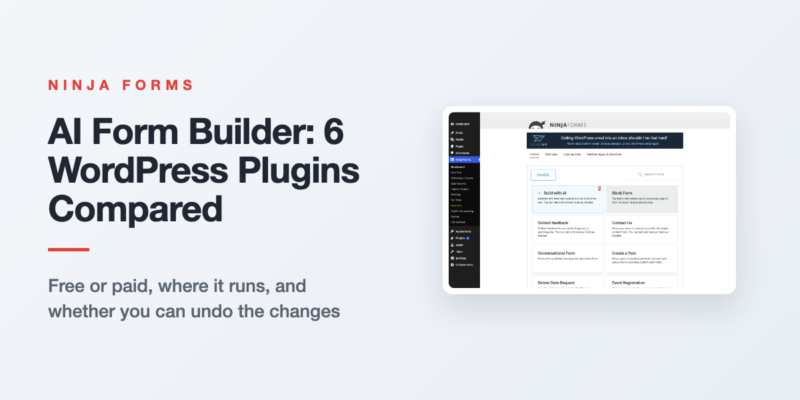
Best AI Form Builder for WordPress? 6 Plugins Compared
Every form plugin says AI now. We compared six on the four things that matter: free or paid, where the AI runs, whether you can refine in conversation, and whether you can undo.
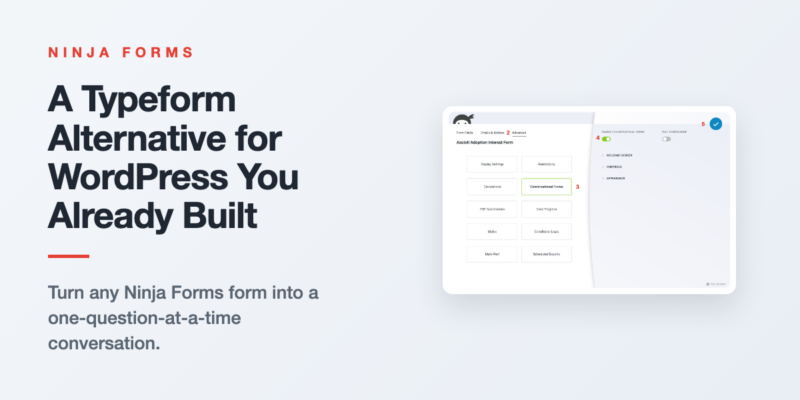
Typeform Alternative for WordPress: Use the Form You Have
Get the one-question-at-a-time feel on a WordPress form you already built, without a second tool or a rebuild.
Form Building Tips & Tricks (68)
You’d be surprised what you can do (and the money you can save) with a simple WordPress form
Styling Your Forms (31)
Use custom styles on your forms for the exact look you want to optimize the user’s experience.
Displaying Your Forms (16)
Place a form or form submissions anywhere on your WordPress website without touching a line of code!
Conditional Emails & Actions (11)
Tailor any form to fit a variety needs using conditional settings and data triggered actions.
Stopping Spam (6)
Stop form spam now! Take control of your submissions and block the spam for good.
GDPR Compliance (4)
Keep your forms GDPR compliant, & use your forms to facilitate Export &Erase requests
All Articles
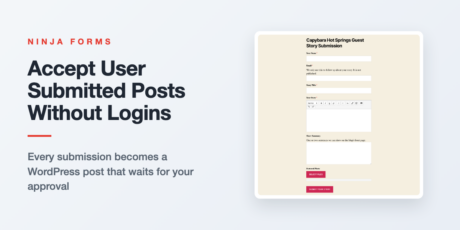
How to Enable User Submitted Posts and Guest Blogging with Ninja Forms
Let readers and guest writers send in posts through a form. Each submission becomes a WordPress post that waits for your approval, with no logins handed out.
Build a Stripe Payment Form in WordPress (No Store Needed)
No store required. Connect Stripe to Ninja Forms, pick how the total is set, and run a test payment before a real customer ever sees the form.
Create a WordPress Job Application Form With Resume Upload
Start from the free Job Application template, then add a position dropdown and a required resume upload that arrives attached to every application email.
How to Create a User Registration Form in WordPress
The built-in WordPress signup page can’t be styled, can’t ask a question, and can’t pick a role. Here’s how to replace it with a registration form on your own page, in about ten minutes.
Form Abandonment: Stop Losing Submissions Halfway Through
Visitors start your form and never finish. Here are three WordPress fixes for form abandonment, from trimming fields to letting people save their progress and come back later.
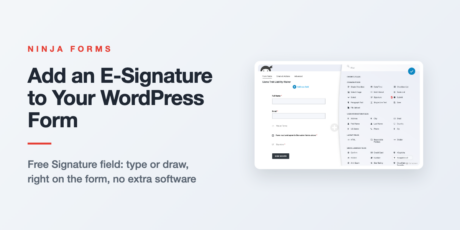
Add an E-Signature to a WordPress Form (No Extra Software)
Ninja Forms has a free Signature field, so visitors can type or draw a signature right on your form. Here is how to add it, when it is enough, and where each signature goes.
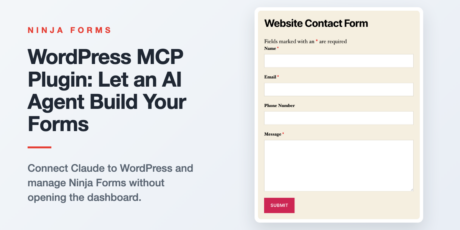
WordPress MCP Plugin: Let an AI Agent Build Your Forms
Connect Claude to your WordPress site through the MCP Adapter and the Abilities API, then describe a form and let your AI agent build, edit, and check it. Setup steps, safety, and the limits to know.
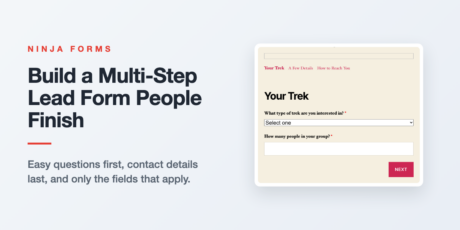
How to Build a Multi-Step Lead Form People Actually Finish
A multi-step lead form only works if you order the questions right. Here’s how to structure one, then build it natively in Ninja Forms with no code.

How to Track WordPress Form Submissions in Google Analytics
Ninja Forms includes a free, built-in Google Analytics 4 action. Add it to any form and every submission fires as a GA4 event automatically, no add-on and no code required.
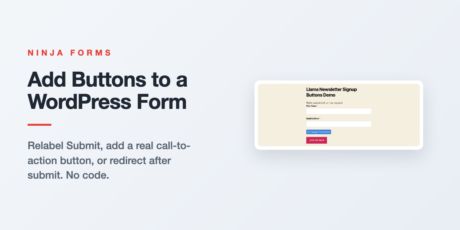
How to Add Buttons to a WordPress Form
Relabel your Submit button, add a real call-to-action button anywhere on your form, or send visitors somewhere specific after they submit. Three no-code ways to do it in Ninja Forms.
Web to Lead Salesforce vs. Ninja Forms CRM Add-On
Salesforce Web-to-Lead is free and built in, but it only creates Leads and leaves spam protection up to you. Here’s how it stacks up against a Ninja Forms form connected through the Salesforce CRM add-on, and…
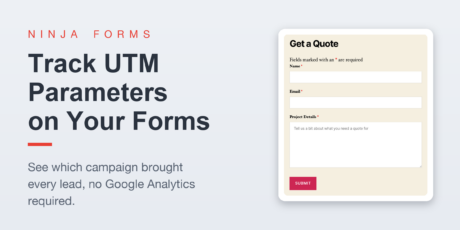
Track UTM Parameters on Your WordPress Forms
See exactly which campaign brought in a lead. This walkthrough shows two ways to track UTM parameters on your Ninja Forms submissions, a free hidden field method and a zero setup add on, no Google Analytics…