Typeform Alternative for WordPress: Use the Form You Have
Get the one-question-at-a-time feel on a WordPress form you already built, without a second tool or a rebuild.
You’d be surprised what you can do (and the money you can save) with a simple WordPress form
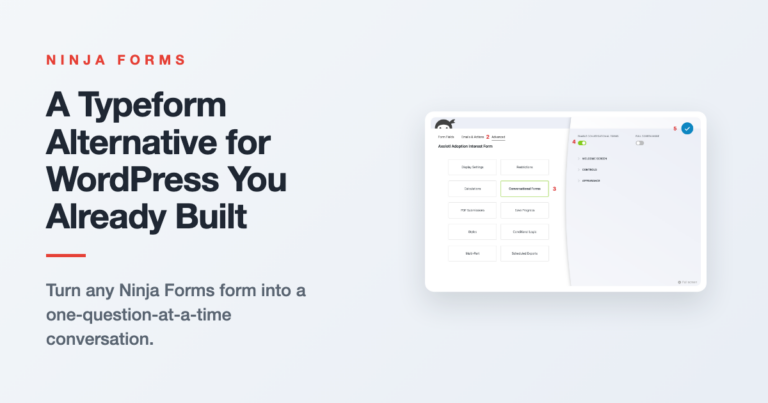
Get the one-question-at-a-time feel on a WordPress form you already built, without a second tool or a rebuild.
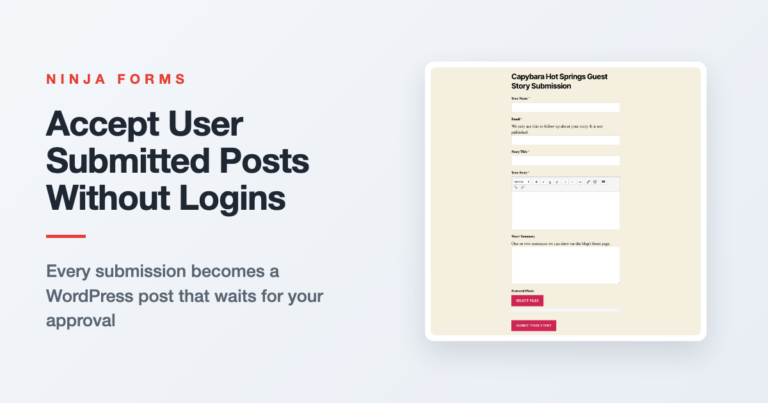
Let readers and guest writers send in posts through a form. Each submission becomes a WordPress post that waits for your approval, with no logins handed out.

Start from the free Job Application template, then add a position dropdown and a required resume upload that arrives attached to every application email.
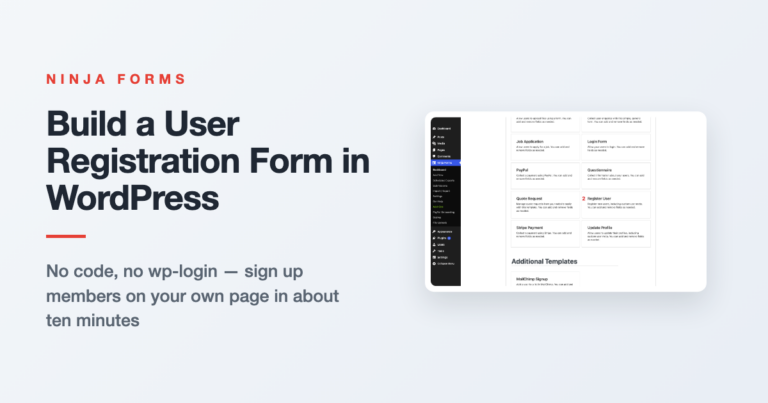
The built-in WordPress signup page can’t be styled, can’t ask a question, and can’t pick a role. Here’s how to replace it with a registration form on your own page, in about ten minutes.
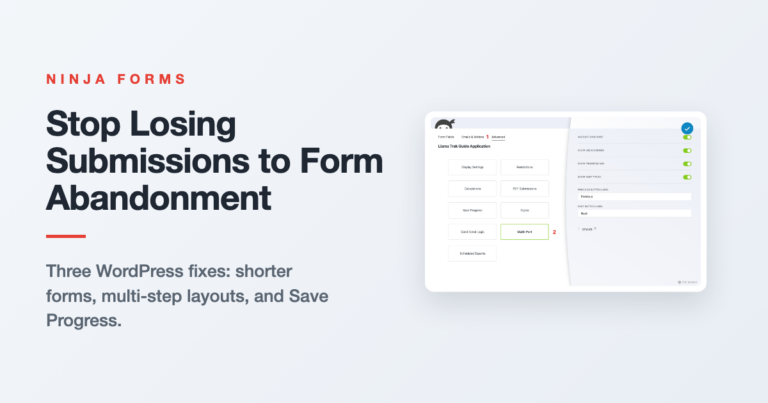
Visitors start your form and never finish. Here are three WordPress fixes for form abandonment, from trimming fields to letting people save their progress and come back later.
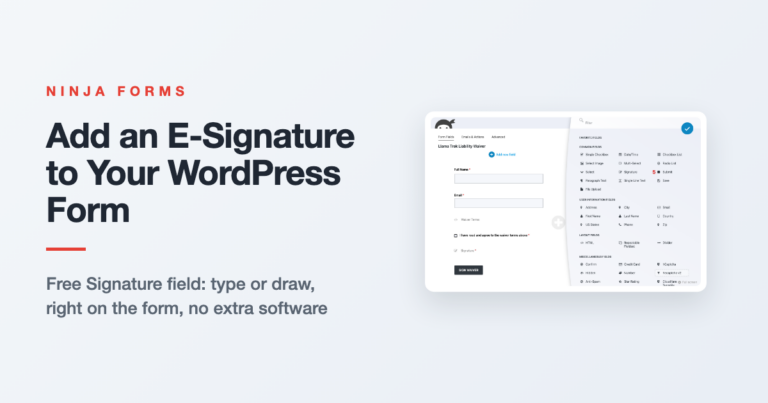
Ninja Forms has a free Signature field, so visitors can type or draw a signature right on your form. Here is how to add it, when it is enough, and where each signature goes.

Connect Claude to your WordPress site through the MCP Adapter and the Abilities API, then describe a form and let your AI agent build, edit, and check it. Setup steps, safety, and the limits to know.

Relabel your Submit button, add a real call-to-action button anywhere on your form, or send visitors somewhere specific after they submit. Three no-code ways to do it in Ninja Forms.

See exactly which campaign brought in a lead. This walkthrough shows two ways to track UTM parameters on your Ninja Forms submissions, a free hidden field method and a zero setup add on, no Google Analytics required.
Learn how to add a dropdown select field to your WordPress form, set up multi-select for multiple answers, and use the built-in Country and US States fields.
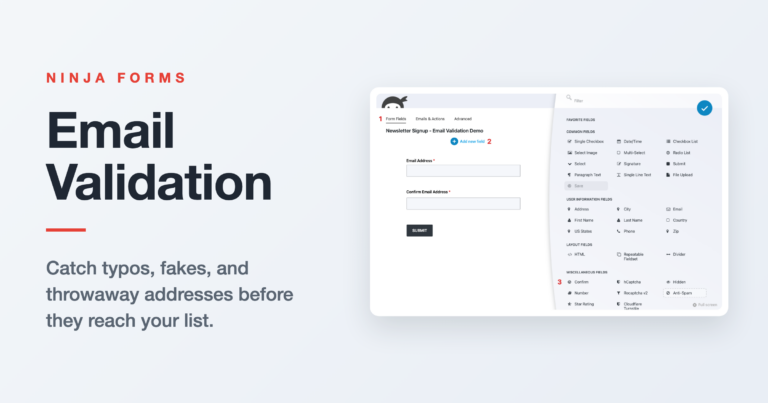
A plain language walkthrough of how email validation works on WordPress forms, from the automatic format check every Ninja Forms Email field already runs to Confirm fields and double opt-in.
Show or hide fields, redirect visitors, route email to the right inbox, and set values automatically, all with one conditional logic rule. Here’s how to build it in Ninja Forms.
The end. Would you like to play a game?
The end. Would you like to play a game?