A/B Test (Split Test) a WordPress Form: Free & Easy Tools
If you’ve ever wondered whether your form could convert better with a shorter layout, a different CTA, or a multi-step flow, you’re asking the right question. Small changes to labels, field order, or copy can make a big difference. But it’s tough to guess what to change without testing! That’s where a/b testing (also called split testing) WordPress forms come in handy.
The goal of this review is to show you approachable tools (many with free tiers) that you can use to A/B test your WordPress forms, even if you’ve never set up an a/b test in your life. You’ll learn a quick, repeatable workflow that pairs perfectly with Ninja Forms, plus specific tool recommendations with pros/cons so you can pick the best fit.
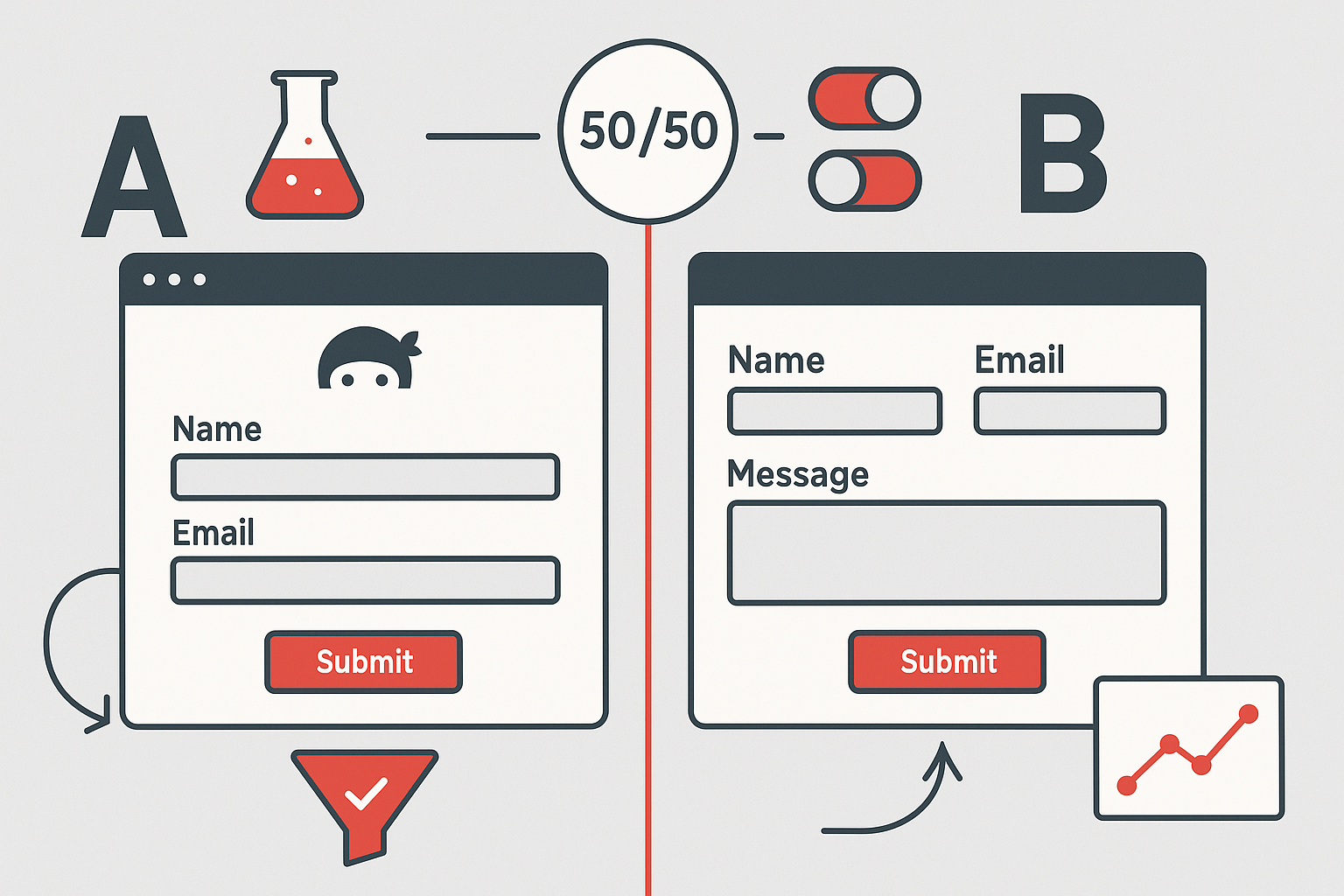
The basics of running a split test
Define the goal. For forms, it’s generally going to be form submission. You want more people submitting your forms, so you’re optimizing for form submissions. Which variant of a form will lead to more people submitting it?
- Define the question. What are you curious about? What do you want to test out?
- Maybe your form is pretty long; will more people stick with it and submit if it’s a multi step form?
- Maybe you’re wondering about your call to action on the submit button; will one phrase work better than the other?
- Does turning that checkbox list field into an image select field to give a visual of the selection lead to more being selected?
Create Version A and Version B.
In Ninja Forms, Duplicate your form (Form A and Form B). Change one thing on one form. ONE THING! It can be tempting to change a few things at once. But then you won’t know which change led to any variance you see.
Publish each variant on a page or section the test tool can rotate between.
Set up the test and the conversion.
In tools that support it (see below), set the conversion to “form submission” (Ninja Forms supported in several tools).
Otherwise, set the conversion to “visit Thank You page.”
Run until you have enough data. Let the tool split traffic 50/50 and watch results. Most tools will call a winner when there’s enough data by their standard, but you can usually set your own thresholds.
Go with the winner. Replace the original with the winning variant, then consider a new test (CTA color, microcopy, required/optional fields, or a multi-step vs single-step version).
Recommended tools (free & premium) for A/B testing WordPress forms
1. Nelio A/B Testing
Why it’s great: Native WordPress plugin; tracks form submissions directly (including Ninja Forms) as a conversion action. Offers heatmaps, click tracking, and more. The free version is ideal for low-traffic sites; premium unlocks higher limits and more test types.
How to use it for forms: Put Form A on Variant A and Form B on Variant B, then set the conversion to the submission of either form (or your Thank-You page).
Pricing: Free version on WordPress.org (gated by monthly site visitor volume); paid plans available for higher traffic.
2. Split Test for Elementor
Why it’s great: If your Ninja Forms live in an Elementor environment, this plugin lets you split test sections/widgets and even whole pages right in the editor. No external service required.
How to use it for forms: Place Form A and Form B in separate Elementor sections; the plugin rotates them.
- Pricing: free WordPress.org plugin
3. My WP A/B Testing
Why it’s great: A lightweight, Gutenberg-native way to A/B test block content.
How to use it for forms: Add Ninja Forms (via block or shortcode) as Variant A and B inside the test block; use your Thank-You page as the conversion.
- Pricing: free WordPress.org plugin
4. AB Split Test
Why it’s great: Designed to swap pages/blocks/elements across popular builders (Elementor, Beaver Builder, etc.) with simple goal setup that includes form submissions or sign-ups.
How to use it for forms: Point goals to a submit or Thank-You page; let it auto-pick the winner when significant.
- Pricing: free and premium tiers
5. Split Hero
Why it’s great: Built specifically for WordPress pages/landing pages; great for freelancers and agencies who want a clean, hosted dashboard.
How to use it for forms: Put Form A on Page A and Form B on Page B; define the conversion (pageview or event) and run. Trial makes it easy to try without commitment.
- Pricing: premium with a 14-day free trial
6. Divi Leads
Why it’s great: Split testing is built into Divi’s visual builder.
How to use it for forms: Drop Form A vs B inside your Divi layout and run a test on that module/row/section. Track submissions or use Thank-You page.
- Pricing: included with Divi
7. Convert Experiences
Why it’s great: Great visual editor and diverse targeting options; basically makes any modifications you want to test point and click. Plus a WP plugin available for making installation easy.
How to use it for forms: Use the plugin to install Convert; create visual edits to your form or rotate Form A/B versions and track submissions/goal page.
- Pricing: premium; there’s a free plugin but it only acts as an installer for the main software.
8. VWO
Why it’s great: VWO is a full blown experimentation suite with just about everything under the sun you could want for testing: behavior analytics with heatmaps and session replays, personalization options, the whole 9 yards. They offer a free plan that’s positioned as a Google Optimize-like experience (rest in peace, Optimize) if you’re below 50k monthly visitors.
How to use it for forms: Use the visual editor to change form elements on the page or serve Form A/B and track submits/thank-you.
- Pricing: free if below 50k monthly visitors, on up to enterprise tier packages (find it all here, note the slider)
At-a-glance comparison
| Tool | Free option | Tracks form submits | Best for |
|---|---|---|---|
| Nelio A/B Testing | Yes (low-traffic) | Yes (incl. Ninja Forms) | Easiest all-around |
| Split Test for Elementor | Yes | Indirect (use Thank-You) | Elementor users |
| My WP A/B Testing | Yes | Indirect (use Thank-You) | Block editor (Gutenberg) |
| AB Split Test | Yes (free) | Yes/Indirect (goals) | Page-builder flexibility |
| Split Hero | Trial (14-day) | Yes/Indirect | Fast SaaS page tests |
| Divi Leads | No (in Divi) | Yes/Indirect | Divi users |
| Convert Experiences | Trial; premium | Yes | Higher-end features |
| VWO | Yes (free plan) | Yes | General web testing |
Wrap-up (and your next step)
A/B testing doesn’t have to be intimidating. With one of the simple options above—and a repeatable workflow—you can confidently answer “which form works better?” and keep improving over time.
Start by duplicating your current Ninja Form, change one thing, and use a free tool like Nelio or a builder-specific option to split the traffic. When you’re ready, keep iterating with multi-step layouts, conditional logic, and layout tweaks to squeeze out even more wins.
Get Ninja Forms free to build and duplicate your test variants quickly, and explore add-ons like Conditional Logic, Layouts & Styles, and Multi-Step Forms to power smarter experiments. Tune your form into a conversion engine!
Try Ninja Forms Today
Always free, with premium features available through our memberships.
This is a great, practical breakdown — especially the reminder to change one thing at a time when testing forms. That’s the part most people skip and then wonder why the results are muddy.
I also like that you called out using the Thank You page as a fallback conversion goal — super underrated and works with almost any setup. One thing I’d add from experience: watch out for flicker and timing issues on form tests, especially when scripts load late. If the variant swaps after the page renders, it can quietly hurt both UX and data quality.
We’ve been running form and CTA tests with ExperimentHQ lately to avoid that (tests apply before hydration), and it’s made form experiments much cleaner — particularly on WordPress sites where performance and plugins can get messy fast.
Solid guide overall. This is exactly the kind of workflow that makes A/B testing feel approachable instead of “enterprise-only.”