Create a WordPress Job Application Form With Resume Upload
Start from the free Job Application template, then add a position dropdown and a required resume upload that arrives attached to every application email.
All content related to File Uploads, PDF Form Submissions, Excel Export, and integrations with services like Google Sheets and ApproveMe.
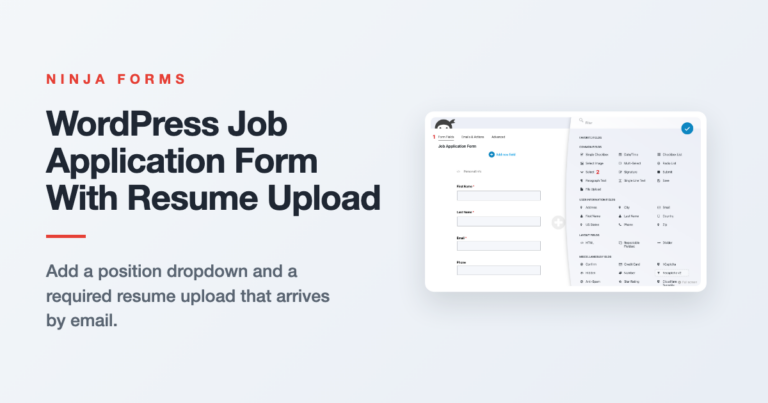
Start from the free Job Application template, then add a position dropdown and a required resume upload that arrives attached to every application email.

Learn how to connect Ninja Forms to Amazon S3 so every file a visitor uploads through your WordPress form routes there automatically, private by default unless you say otherwise.
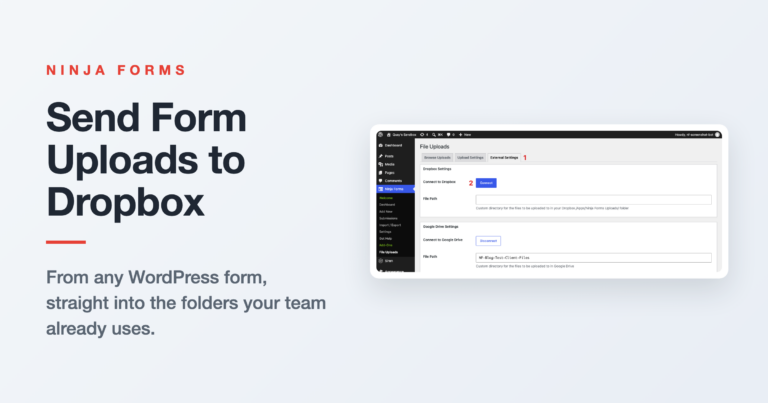
Learn how to connect Ninja Forms to Dropbox so every file a visitor uploads through your WordPress form routes there automatically, no third-party connector required.
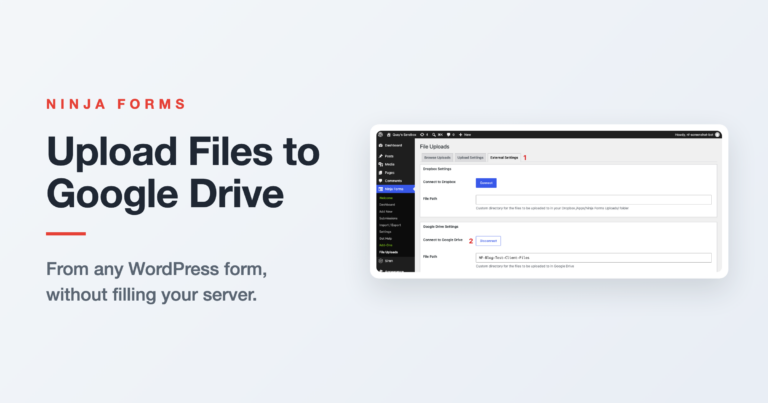
Send files from any WordPress form straight to Google Drive with Ninja Forms. Connect once, add one form action, and verify the first upload lands before you turn off local storage.
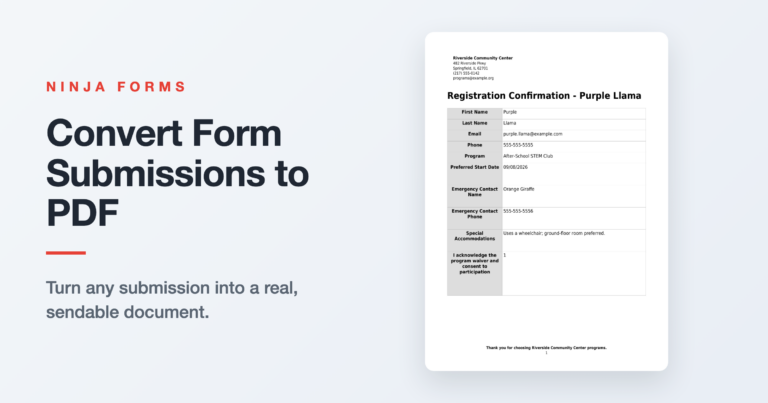
A step-by-step guide to turning Ninja Forms submissions into real PDF documents, from emailed copies to on-demand exports and invoice-styled layouts.

A step-by-step guide to adding a Ninja Forms file upload field to any WordPress form, plus the storage, naming, and email options the File Uploads add-on unlocks.

A practical walkthrough of WordPress file upload security with Ninja Forms: what gets blocked automatically, how to restrict file types and size, and how to keep uploads private.

Learn three ways to limit form submissions in Ninja Forms: cap total entries, block duplicate submissions, and restrict the form to logged-in users. All built into core, no add-ons required.

Looking for a WordPress forms plugin that offers a variety of customizable ways to export form submissions? Check out these five most requested methods to export WordPress form submissions!

Connecting WordPress forms to Google Sheets doesn’t require any code or even much of your time. Here’s how to get it done in 5 easy steps!

Need to create a request a questionnaire form with WordPress? Create one in five minutes or less with our easy to use template generator.

Learn how to set up weekly digest of form submissions in WordPress with Scheduled Submissions Export add-on.
The end. Would you like to play a game?
The end. Would you like to play a game?