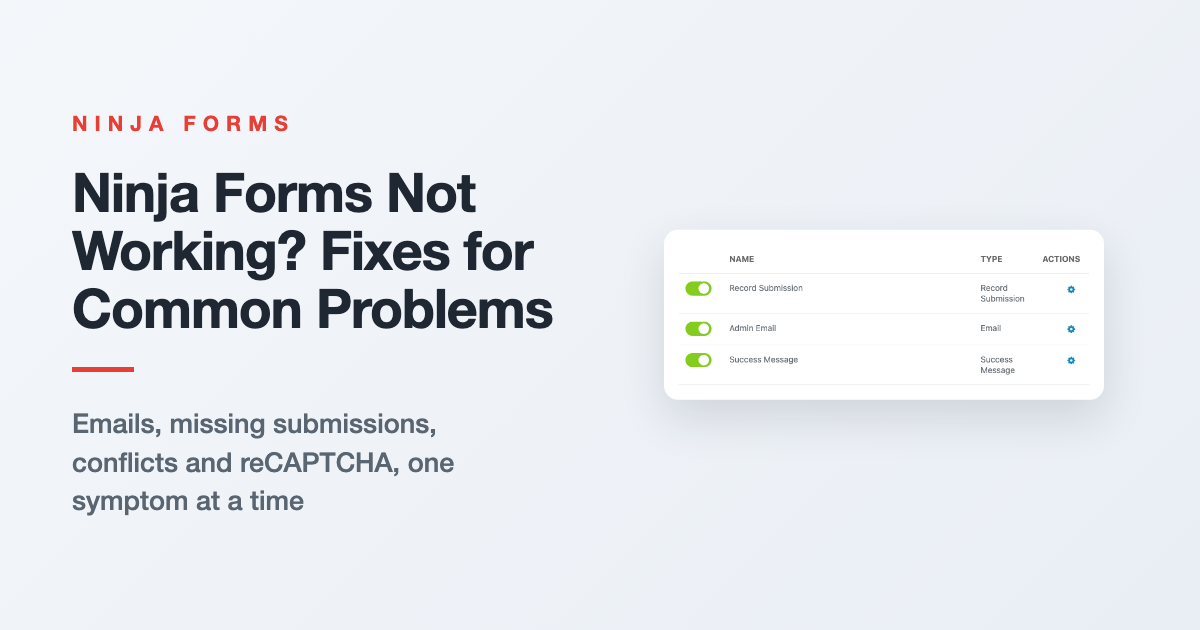
Troubleshooting Ninja Forms: Fixes for Common Problems
Form emails stopped, Submissions page empty, or the form won’t show up? Start with three quick checks, then jump to your symptom for the fix and where to go next.
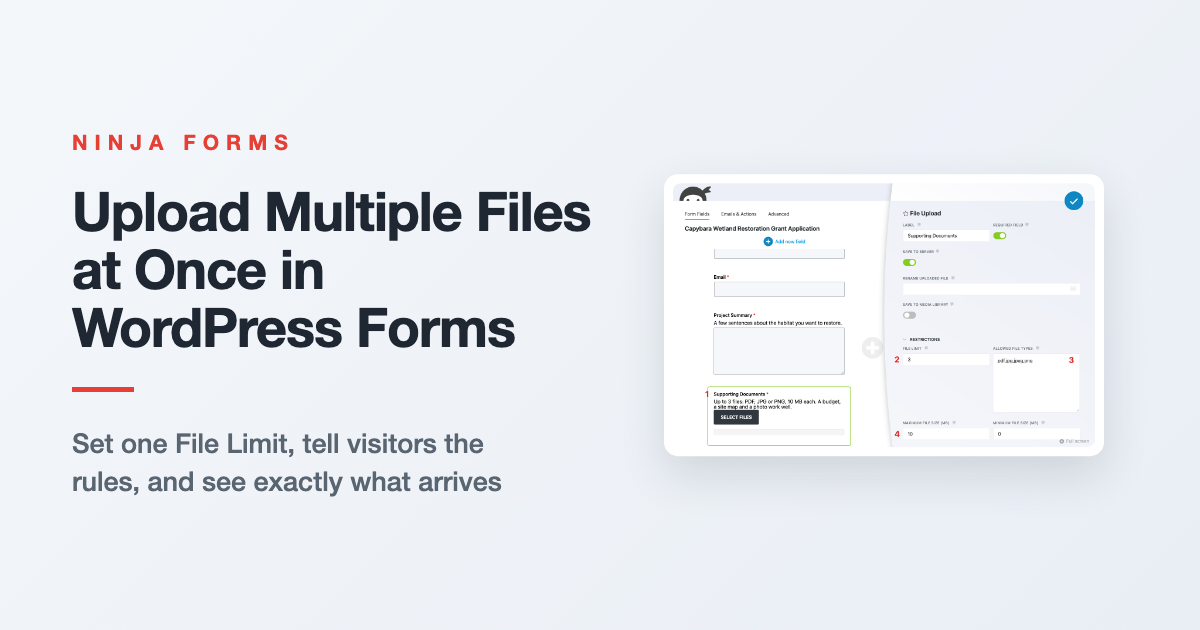
How to Upload Multiple Files at Once in WordPress
Let visitors send a budget, a site map and a photo in one submission. Here’s how File Limit, file size and file type settings work together, what visitors see, and where the files end up.
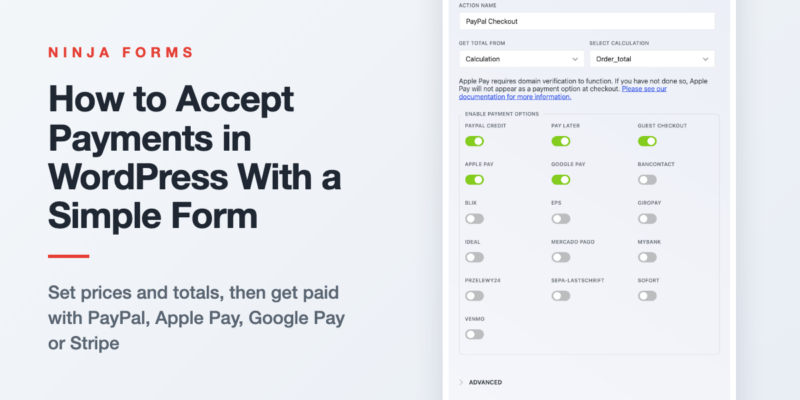
How to Easily Accept Payments in WordPress
You don’t need a store to take money on your site. Set a price, offer variations or quantities, add it all up into one total, and connect PayPal (with Apple Pay and Google Pay), Stripe or…
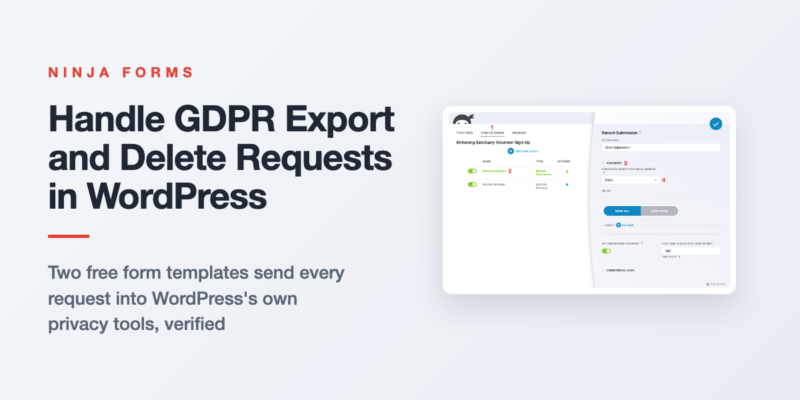
Automating WordPress GDPR Export and Delete Requests
Someone asked for a copy of their data, or asked you to delete it. Here’s how two free form templates send those requests into WordPress’s own privacy tools, and how to auto delete old form entries…
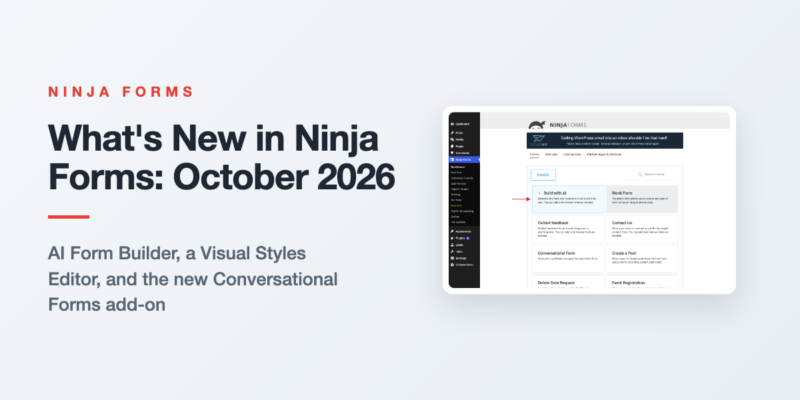
What’s New in Ninja Forms: October 2026
Three features shipped in Ninja Forms between August and September 2026. Here is what each one does, the release it arrived in, and what it needs.
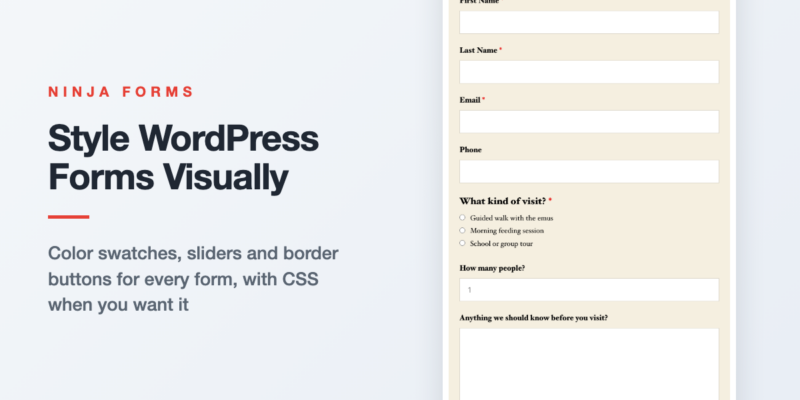
Style Your WordPress Forms Visually with the Visual Styles Editor
Your form shouldn’t look like it wandered in from another website. Here’s how to give one form, one field, or every form on your site a look of its own with color swatches, sliders and border…
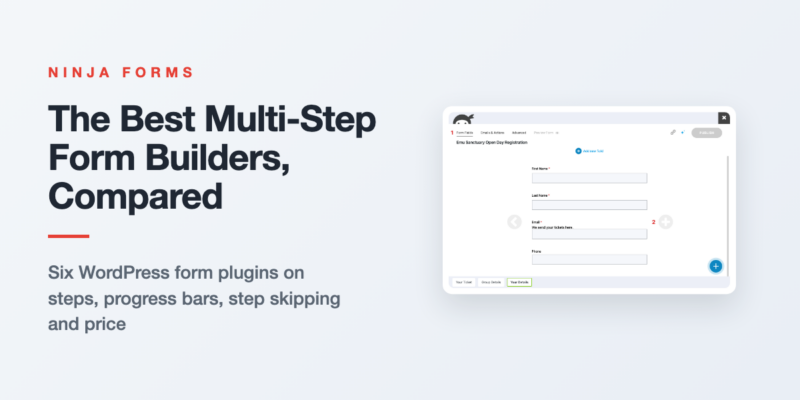
The Best Multi-Step Form Builders for WordPress, Compared
Every popular WordPress form plugin does multi-step, and every one of them charges for it. Here’s what each builder gives you for the money, and which one fits your form.
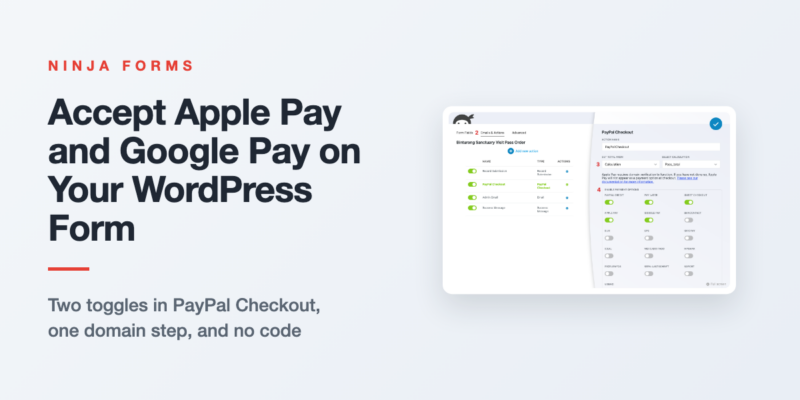
How to Accept Apple Pay and Google Pay in WordPress Forms
Phone visitors shouldn’t have to type a card number to pay you. Switch on Apple Pay and Google Pay in your form’s PayPal Checkout action, register your domain for Apple Pay, and test it on a…
Form Building Tips & Tricks (72)
You’d be surprised what you can do (and the money you can save) with a simple WordPress form
Styling Your Forms (31)
Use custom styles on your forms for the exact look you want to optimize the user’s experience.
Displaying Your Forms (16)
Place a form or form submissions anywhere on your WordPress website without touching a line of code!
Conditional Emails & Actions (10)
Tailor any form to fit a variety needs using conditional settings and data triggered actions.
Stopping Spam (6)
Stop form spam now! Take control of your submissions and block the spam for good.
GDPR Compliance (3)
Keep your forms GDPR compliant, & use your forms to facilitate Export &Erase requests
All Articles

How to Allow Additional File Types in WordPress
Do you need to add additional file types to your WordPress forms? Discover the easiest way to do it with our plugin and snippet hack!

Limit the Number of Characters or Words in the WordPress Form Field
Learn how to limit the number of characters and words in a form field in WordPress using the free core Ninja Forms contact form plugin!

Single vs. Double Opt-in: Which is Best for Your WordPress Form?
Have you been searching for a simple yet effective opt-in feature? Ninja Forms’ user-friendly interface and extensive features make it easy to create and customize WordPress opt-in forms.

How to Track From Which Page a Form Was Submitted On
How to capture the form submission source page the form was submitted on? With Ninja Forms, it’s simple and completely free. Find out more!

Adding a Number Field in WordPress: A Range Slider Alternative
Learn how to add a Number field in WordPress and use it along with Calculations with our free Ninja Forms core plugin!

How to Add Events to iCalendar from Ninja Forms ( Free )
Discover how to add events to iCalendar from Ninja Forms submissions using this free WordPress plugin. It’s available for download on GitHub.

Form Building: 18 Tips and Tricks with Ninja Forms Plugin
Explore our in-depth guide packed with expert form-building tips and tricks you can apply when using the Ninja Forms plugin!

Book Multiple Events in one WordPress Form
Creating one WordPress booking form so that attendees can easily register for multiple events in one go eliminates the need to fill out reams of forms and repetitive information for each separate event.

How to Add a Phone Field in WordPress
Learn how to add a Phone field to your WordPress form. Don’t worry, with the Ninja Forms core plugin this feature and much more is free!

Easily Send WordPress Form Data to Different Destinations (No Coding)
Ninja Forms Zoho CRM add-on, empowers business owners, marketers, and website administrators to effortlessly connect WordPress forms and Zoho CRM; communicating seamlessly.

How to Add a Star Rating Field in WordPress
Learn all the essentials about the Star Rating field and how to use it in your WordPress form with Ninja Forms contact form plugin!

How to Connect Omnisend to Ninja Forms: A Step-by-Step Guide
Connect Ninja Forms to Omnisend for powerful eCommerce email marketing. Easily integrate Omnisend with Ninja Forms, free on WordPress.