How to Easily Accept Payments in WordPress
You don’t need a store to take money on your site. Set a price, offer variations or quantities, add it all up into one total, and connect PayPal (with Apple Pay and Google Pay), Stripe or Authorize.net.
Discover the types of payments & payment gateways your forms will handle
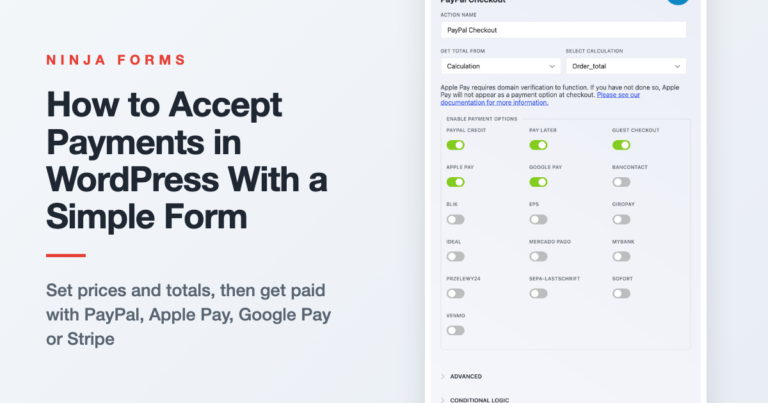
You don’t need a store to take money on your site. Set a price, offer variations or quantities, add it all up into one total, and connect PayPal (with Apple Pay and Google Pay), Stripe or Authorize.net.
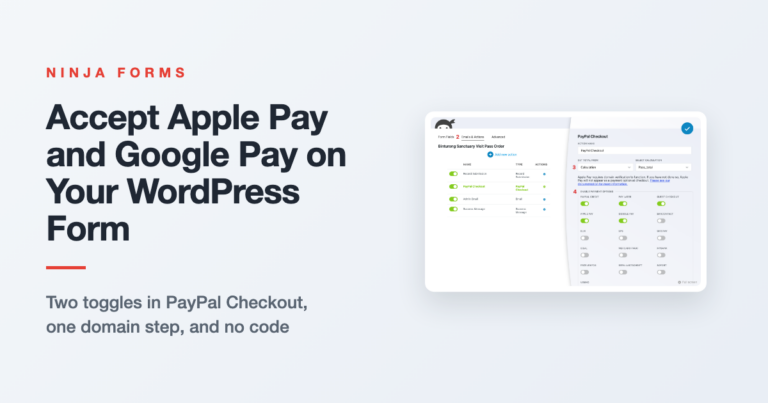
Phone visitors shouldn’t have to type a card number to pay you. Switch on Apple Pay and Google Pay in your form’s PayPal Checkout action, register your domain for Apple Pay, and test it on a real phone.
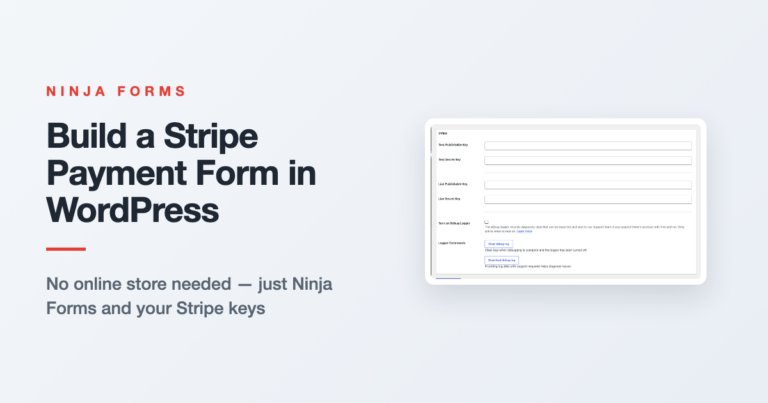
No store required. Connect Stripe to Ninja Forms, pick how the total is set, and run a test payment before a real customer ever sees the form.
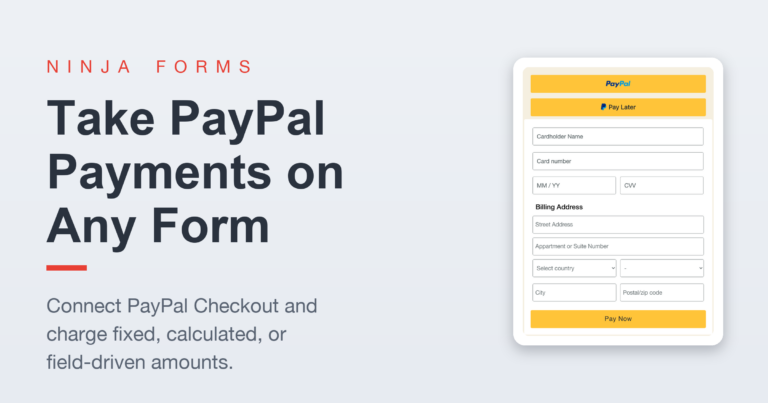
Learn how to add PayPal to WordPress with Ninja Forms, from connecting your PayPal Business account to charging the right amount for every order.

This guide shows you a fast, no-code way to connect Ninja Forms to Mollie using our Zapier add-on. Every form submission can instantly create a Mollie payment link (great for invoices, donations, bookings) or even a payment/order.

Easily accept donations in your WordPress form with this easy solution. Use one-time or recurring donations and accept user-entered or fixed amount.
The end. Would you like to play a game?
The end. Would you like to play a game?